
Design Merch With Alexa on Amazon: Free and Easy
Fat Kid Deals4 months ago9 min read
Fat Kid Deals may earn from qualifying purchases - more info
Affiliate Disclosure: As an Amazon Associate, Fat Kid Deals earns from qualifying purchases. Prices and availability are subject to change.
We may earn a commission for purchases made through links on the website.
Fat Kid Deals may earn from qualifying purchases - more info
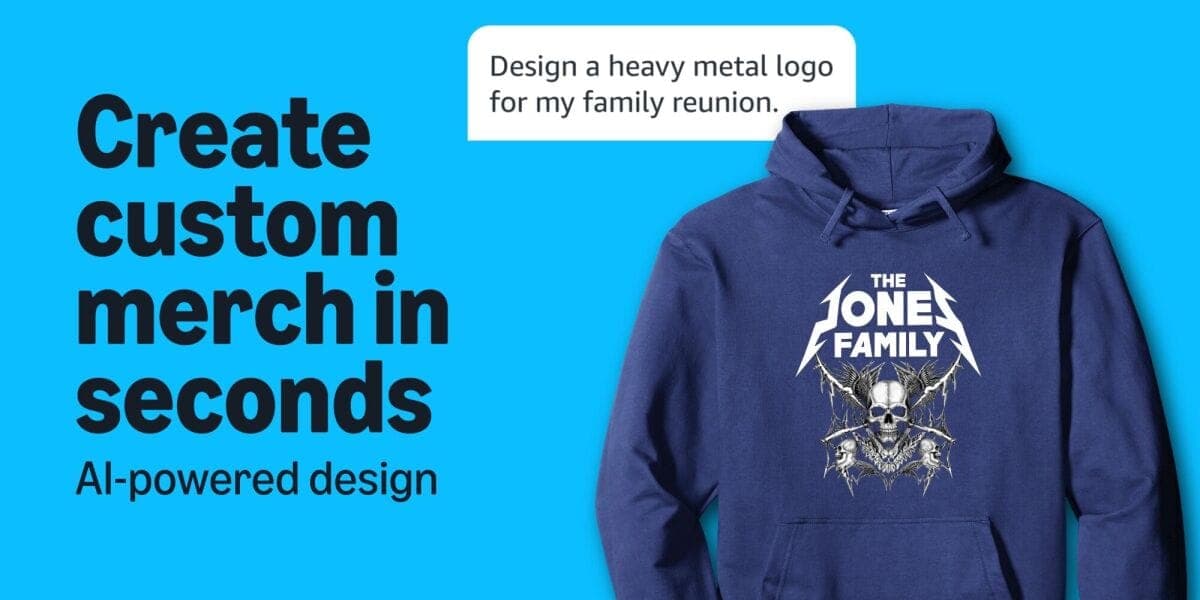
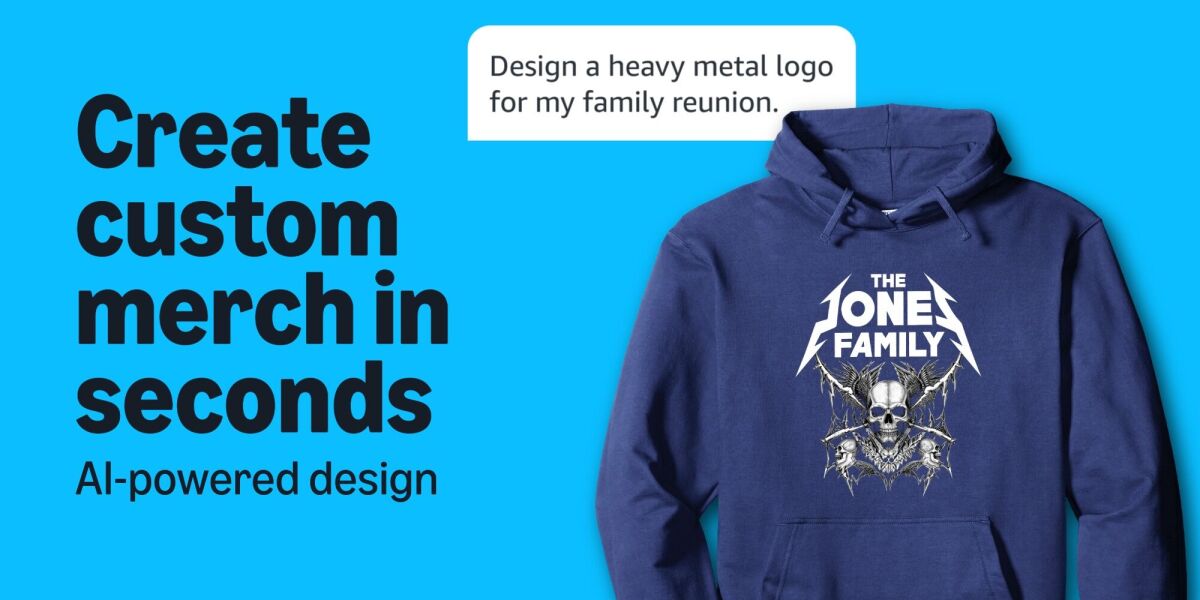
Amazon’s new Alexa for Shopping merch tool lets you turn a text prompt into custom shirts, hoodies, tumblers, and more without opening a separate design app. Amazon announced the feature on June 8, 2026, says it’s now available to all U.S. customers, and says you can use it in the Amazon Shopping app or on Amazon.com.
If you want a fast way to make family reunion shirts, a funny gift, or matching group merch, this is worth a look. If you need a perfect logo, advanced layout control, or a custom item you can easily return, read the fine print first.
| Field | Details |
|---|---|
| Announced | June 8, 2026 |
| Availability | All U.S. customers |
| Where it works | Amazon Shopping app and Amazon.com |
| Prime required? | No |
| Alexa+ required? | No |
| Echo device required? | No |
| Cost to design | Free |
| What you can make | Select shirts, hoodies, polos, jerseys, sweatshirts, tumblers, and water bottles, plus more supported styles within those categories |
| Sharing | Yes, by link, text, social, or other sharing methods |
| Shipping | Made on demand and ships with Prime eligibility |
| Returns | Treat it as a non-returnable purchase and check the item page before ordering |
It turns a simple prompt into a custom design you can place on select merch sold through Amazon. The finished item is made on demand, which keeps the process low-hassle but also means you should check the design carefully before you buy.
Amazon says the merch is produced through Merch on Demand, its print-on-demand system, and then shipped with Prime eligibility. So you’re not bouncing from a design app to a random print shop to a separate checkout page.
The big win here's convenience. You can go from idea to a shareable design without juggling extra tools.
The tradeoff is control. If you need a very specific logo lockup, exact brand colors, or layout precision, a dedicated design workflow still gives you more room to tweak every detail.
The process is pretty simple, and Amazon keeps it inside the shopping flow instead of sending you somewhere else.
If you want the broader shopping-assistant overview, Amazon’s Alexa for Shopping guide shows where the tool lives in the app and on desktop.
Open the Amazon Shopping app and tap the Alexa icon, or search customize and tap the drop-down option to begin designing. On Amazon.com, Alexa for Shopping lives at the top of the screen.
If you don’t see it right away in the app, update the Amazon Shopping app first. Amazon’s current getting-started instructions point shoppers to the Alexa icon in the bottom navigation bar.
From there, you’ll be guided into the merch flow instead of a regular product search. That matters because it keeps the design step and the purchase step in one place.
The better your prompt, the better your starting design usually is. Keep it short, clear, and specific about the subject, style, and vibe.
Good prompts usually mention three things: what the design should show, what kind of look you want, and what the item is for.
A few simple examples:
If you only say "make it cool," you’ll probably get something vague. If you say "simple navy design with a camping tent, mountains, and the words "Camp Crew '2026,'" you’re giving the tool a lot more to work with.
Once the design appears, review it before you buy. Check spelling, spacing, colors, and whether the text is readable on the color of merch you picked.
Amazon says you can edit the design by clicking suggested actions in Alexa for Shopping or by typing changes directly. That makes this more useful than a one-shot image generator you have to accept as-is.
This is also where you should look for the small stuff that causes big regrets later, like a date that’s off by one year or a nickname that sounds funny in a group chat but looks weird on a sweatshirt.
When the preview looks good, choose your size, color, and quantity, then check out like a normal Amazon order.
Amazon says the current lineup includes a decent spread of everyday merch, which is why this is more useful than a novelty one-off. You’re not stuck with one item type.
The current apparel options include:
That’s enough variety to cover family reunions, office jokes, team wear, and gift shirts without making the process complicated.
The current drinkware options include:
That makes the feature useful for smaller gifts too, especially when a shirt feels like too much but a personalized drinkware item still lands.
Amazon also says more product options are coming over time, so the current list probably won’t be the final word.
The short version is simple: the design tool is free, and you only pay for the item you order.
That’s the part budget-minded shoppers should care about most, because there’s no separate design fee hiding in the background just to test an idea.
Amazon says the design experience itself doesn’t cost anything.
That means you can try a few prompts, compare versions, and decide whether the idea is actually worth buying before you spend a dime on the merch.
Once you’re ready to buy, your cost comes from the merch itself, plus whatever taxes or shipping apply at checkout.
Amazon hasn’t published one universal price list for every possible shirt, hoodie, tumbler, or bottle in this feature. So the smart move is still to check the live product page before you commit.
Amazon says custom products are made on demand and ship with Prime eligibility.
That’s good news if you want something faster than a typical custom-order experience, but you should still check the product page for the current delivery estimate before you order. Custom merch is still custom merch.
If you’re ordering for a birthday, team event, or trip, give yourself a little buffer. Convenience is part of the appeal here, but it’s still safer to order earlier than you'd for an off-the-shelf item.
No. Amazon says all customers can use Alexa for Shopping for free when they’re signed into their Amazon account, with no Prime membership or Echo device required.
That’s a big deal for shoppers who only want to make one shirt, one tumbler, or one quick gift without signing up for anything extra.
It also helps clear up the Alexa+ confusion. For this merch feature, you’re using Alexa for Shopping inside the Amazon Shopping app or website, not paying for a separate Alexa+ subscription just to make merch.
If you want the bigger picture, Amazon’s Alexa for Shopping overview explains how the shopping assistant fits into the wider Amazon experience.
Yes. Amazon says sharing is built in, so you can send the design through text, social media, or any link-sharing method and let other people add the same merch to their carts.
That’s the feature that makes this feel useful instead of just cute. One person can create the design, and everyone else can order their own size without starting from scratch.
It’s a strong fit for family reunions, sports teams, bachelorette trips, school events, and club merch. If your group has six opinions and one budget, a shared design link cuts down on a lot of back-and-forth.
This feature makes the most sense when you want something personal without paying for a full custom-design process.
This is probably the cleanest use case. One prompt, one shared link, and everyone gets the same look in their own size.
If you’re planning a reunion, a youth sports trip, or a simple work event, the tool saves time and keeps the design process from turning into a group-chat mess.
The feature is handy for low-stakes gifts like birthday shirts, teacher tumblers, pet-themed hoodies, or a funny one-off present.
You’re not paying a designer just to print a joke or a name, and that’s where the free design step feels genuinely useful.
This is where the feature can be the most fun. Pet drawings, family catchphrases, and silly inside jokes are exactly the kind of stuff that’s nice to have on a shirt but not worth overthinking.
The trick is to keep expectations in check. If you want a funny novelty shirt, a quick AI design can be perfect. If you want a polished logo for a business, you’ll probably want more control than this gives you.
A free design tool doesn’t mean you should rush the checkout page. A few small checks can save you from wasting money on the wrong version.
Custom items are great until you notice a typo after you order.
Read the text out loud, check every date, and make sure nicknames or jokes still make sense when they’re printed on a shirt or tumbler.
For group orders, send the design link before you buy anything.
That way, everyone can order the size they actually want instead of one person guessing and ending up with four mediums and no larges.
Different items can fit differently, feel differently, and arrive on different timelines.
If you’re deciding between a hoodie and a T-shirt, or between a tumbler and a water bottle, check the live product page before you pick the version that looks cheapest at first glance.
Treat custom merch like a non-returnable purchase unless the item page says otherwise.
Amazon’s published Custom guidance says custom products aren’t returnable, though damaged, defective, or materially different items may qualify for a refund or replacement within 30 days of delivery. That’s the kind of detail worth checking before you hit Buy Now.
For the right shopper, yes. It’s a smart pick if you want a quick, cheap-to-test way to make gifts, matching shirts, or novelty merch without learning design software.
It’s less appealing if you need exact branding, advanced editing, or a purchase you can change your mind on easily.
| Use it if... | Skip it if... |
|---|---|
| You want a fast custom gift, reunion shirt, or fun one-off design | You need pixel-perfect logos, exact brand colors, or full layout control |
| You like the idea of a free design step | You already know you need a pro design workflow |
| You want one person to create a shared link for a group | You need a very flexible return policy |
| You’re okay with a simple, AI-assisted starting point | You want total creative control from the first draft |
That’s the real rule of thumb here: use it when convenience matters more than precision, and skip it when precision matters more than convenience.
For a family reunion tee or a goofy birthday gift, this is a solid time saver. For serious merch, business swag, or anything with a strict visual identity, the simplest tool isn’t always the best tool.
It’s a text-prompt merch tool inside Alexa for Shopping that turns your idea into a custom design for select Amazon apparel and drinkware.
No. U.S. customers can use it on the Amazon Shopping app or Amazon.com without Prime, a paid Alexa+ subscription, or an Echo device.
Open the Amazon Shopping app and tap the Alexa icon, or search customize and tap the drop-down option. On desktop, find Alexa for Shopping at the top of the screen, then describe the design, edit it, preview it, and check out.
Amazon says the current lineup includes T-shirts, V-necks, long-sleeve shirts, polo shirts, quarter zips, jerseys, hoodies, sweatshirts, tank tops, raglans, tumblers, and water bottles.
Yes. Designing is free, and you only pay for the merch you order.
Yes. Amazon says sharing is built in, so you can send the design by link, text, or social media and let other people order the same merch.
Amazon says custom products are made on demand and ship with Prime eligibility. Check the item page for the current delivery estimate before you order.
Treat it as non-returnable. Amazon says customized products generally aren’t returnable, though Amazon Custom says damaged, defective, or materially different items may qualify for a refund or replacement within 30 days of delivery.
 Glow in the Dark LED Light Up Ball, Rechargeable 6-Color Changing Cowhide...$14.99$21.4230% off
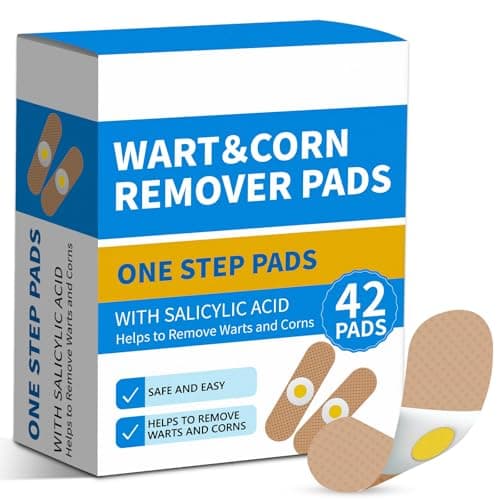 WART Corn Remover Pads for Feet, 40% Salicylic Acid Wart Remover Pads, Corn...$6.39$7.9920% offToothbrush Holders Wall Mounted with Toothpaste Dispenser & 3 Cups | All-in-One...$18.39$22.9920% off
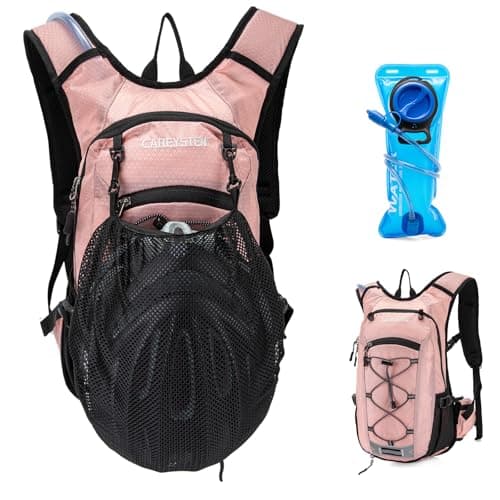 Carey STENHydration Backpack Hiking Pack Equipped 2L Water Bag$28.79$31.9910% off
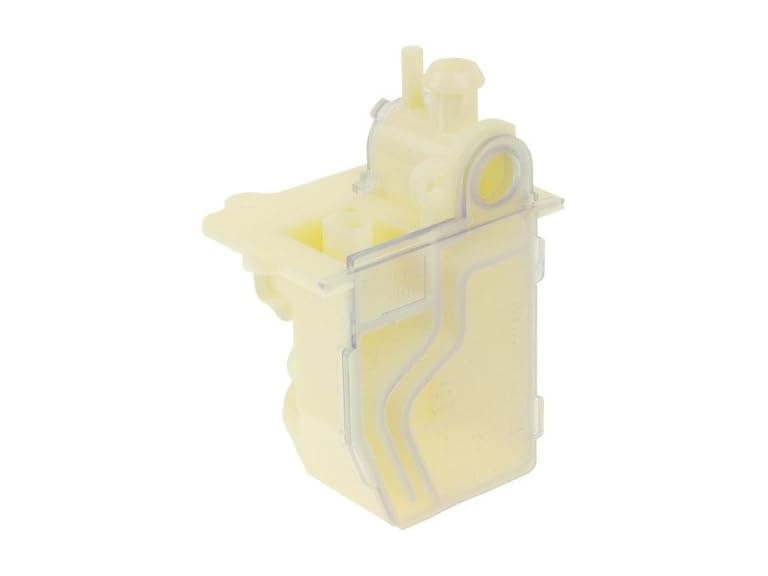 Protech 68-104346-01 Water Trap Condensate Drain$9.99$21.6154% off
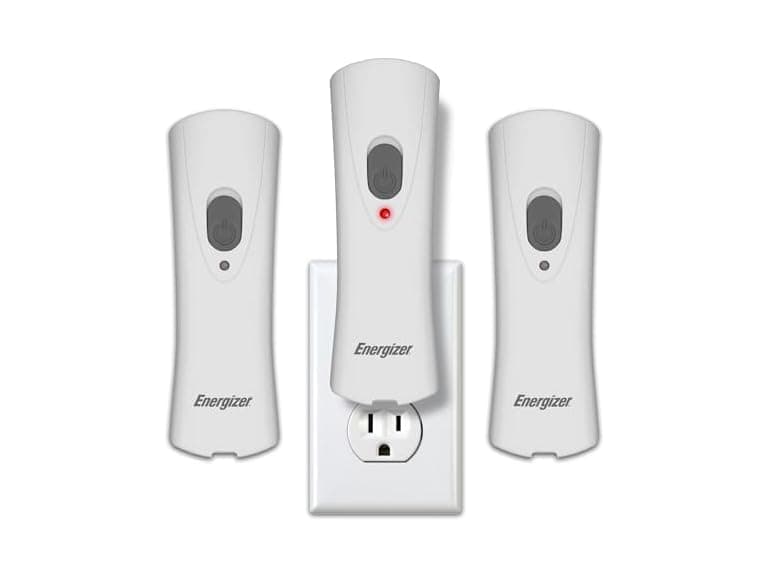 Energizer Weatheready Rechargeable LED Lights 3PK - White$14.99$31.4952% off
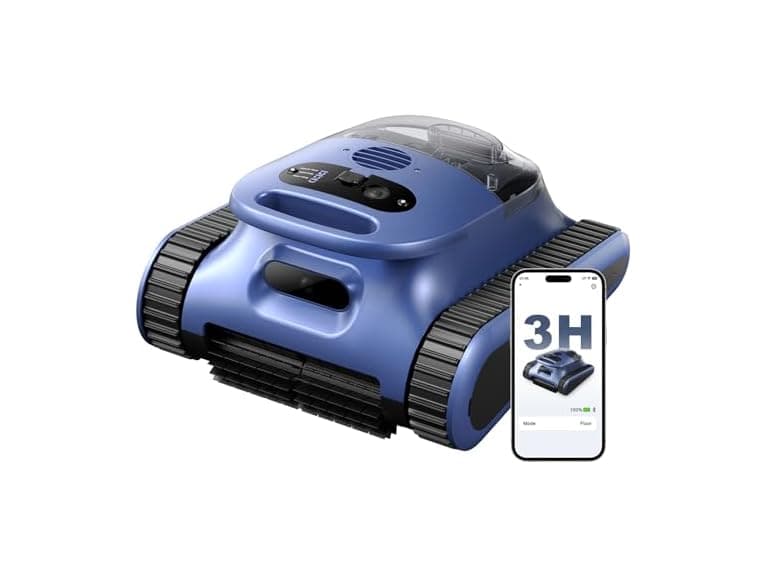 Automatic Robotic Pool Cleaner, 3 in 1$169.99$479.9965% off
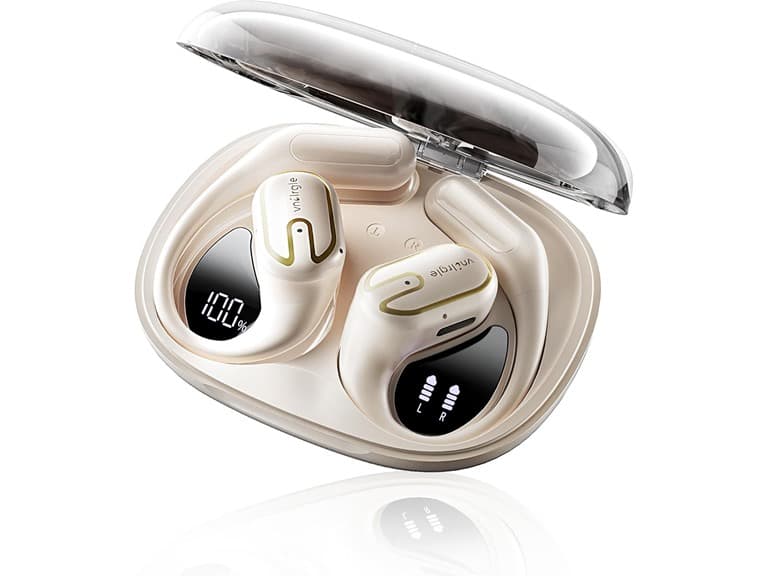 vnilrgle Over Ear Earbuds with Ergonomic Earhook$12.99$43.9970% off
