
Amazon Household: How To Share Prime With Family
Fat Kid Deals3 months ago11 min read
Fat Kid Deals may earn from qualifying purchases - more info
Affiliate Disclosure: As an Amazon Associate, Fat Kid Deals earns from qualifying purchases. Prices and availability are subject to change.
We may earn a commission for purchases made through links on the website.
Fat Kid Deals may earn from qualifying purchases - more info
Paying for multiple Amazon Prime subscriptions under the same roof is a massive waste of money, yet thousands of families still do it simply because they don't know any better. If you want to stop burning cash on extra memberships, pooling your accounts is the easiest financial win you can score today.
Amazon Household is a free account linking feature that lets you share one Amazon Prime membership with your family. You can link up to two adults, four teens, and four children under a single Prime subscription. This setup shares free shipping, streaming access, and digital libraries across everyone's personal devices.
Defining the entity clearly is the best way to understand it. Amazon Household connects separate individual Amazon accounts into one unified billing and sharing hub. Every member keeps their own passwords, purchase history, and privacy while splitting the benefits of a single annual fee.
Recent updates in 2026 have modernized the platform. Amazon quietly rebranded the main dashboard to "Amazon Family," but the service works exactly the same. You still get all the classic Household features, just under a slightly updated menu layout.
Amazon Household is an official account management tool provided by Amazon. It exists so families living at the same address do not have to pay for separate Prime memberships.
Your account remains separate from your partner's or roommate's account. Even though you share benefits, you do not share a login. When you log in with your email, you only see your own shopping cart and recommendations.
In early 2026, Amazon updated its settings menu to call this hub "Amazon Family". The core mechanics of Amazon Household remain completely unchanged. It acts as a digital bridge between family members.
You control this bridge entirely from your account settings. You decide exactly which digital books, games, and apps are shared with the rest of the house.
Amazon strictly caps how many people can piggyback on a single Prime membership. The maximum capacity for any single household is ten people.
This ten-person limit is broken down into specific age groups. You cannot just add ten adults to your account. The structure is heavily monitored by Amazon to prevent system abuse.
You are limited to exactly two adults aged 18 or older per household. One adult acts as the primary Prime account holder, and the second adult gets invited.
Both adults must agree to share their stored payment methods. This is Amazon's clever way of making sure you only share Prime with someone you actually trust. If you add your roommate, they will theoretically have access to your credit card for Amazon purchases.
You can add up to four teen profiles for kids aged 13 through 17. Teens get their own separate Amazon login to browse the store and download the mobile app.
Parents maintain total control over teen spending. When a teen tries to buy something, Amazon texts or emails the parent for approval. You can also set pre-approved spending limits so you don't have to authorize every small purchase.
You can create up to four child profiles for kids aged 12 and under. Children do not get their own login credentials or shopping access.
Child profiles are restricted to digital content only. You manage their access through the Amazon Kids Parent Dashboard, which lets you set strict daily screen time limits. You can approve specific educational books or block entertainment apps until reading goals are met.
Linking your accounts instantly unlocks the vast majority of Amazon Prime's premium features. The secondary adult gets nearly identical treatment to the paying member.
Shipping speeds stay fast for everyone. The invited adult and all approved teens get free two-day, one-day, and same-day delivery on eligible items. You also share access to Amazon Fresh and Whole Foods grocery delivery options.
Movie nights get easier when you share your streaming catalog. Both adults can log into Prime Video on their respective devices to stream included movies and TV shows.
You also share access to Prime Reading, which offers a rotating library of free Kindle books and magazines. If you use Amazon First Reads, both adults can download one free pre-release Kindle book every month.
Photo storage is completely free and unlimited for members. Adding a second adult grants them their own private unlimited photo storage drive.
You can also turn on the Family Vault feature. This allows all household members to combine their favorite uploaded pictures into a single shared digital album. It is a highly effective way to collect vacation photos from everyone's phones.
In-store grocery runs become significantly cheaper. The invited adult can pull up the Whole Foods QR code on their own Amazon app to get the extra 10% Prime discount on sale items.
Parents also share Amazon Family diaper discounts. This grants both adults up to 20% off baby food and diaper subscriptions.
Amazon does not share absolutely everything. Certain premium subscriptions are strictly locked to the primary account holder to encourage individual upgrades.
Prime Music is severely limited for secondary household members. The invited adult does not get access to the ad-free Amazon Music Prime catalog. If you want everyone to stream music, you have to pay extra for the Amazon Music Unlimited Family Plan.
Discounted memberships cannot be shared in most cases. If you pay for Prime Student or receive the discounted government assistance Prime rate, you cannot add a second adult to your household. Sharing is reserved for full-price memberships.
Purchased digital video rentals can sometimes cause issues. While included Prime Video content is shared, specific movies you rent or buy might remain locked to the profile that purchased them.
Setting up the connection takes less than five minutes if both people are in the same room. The invited adult needs to have their own basic, free Amazon account ready.
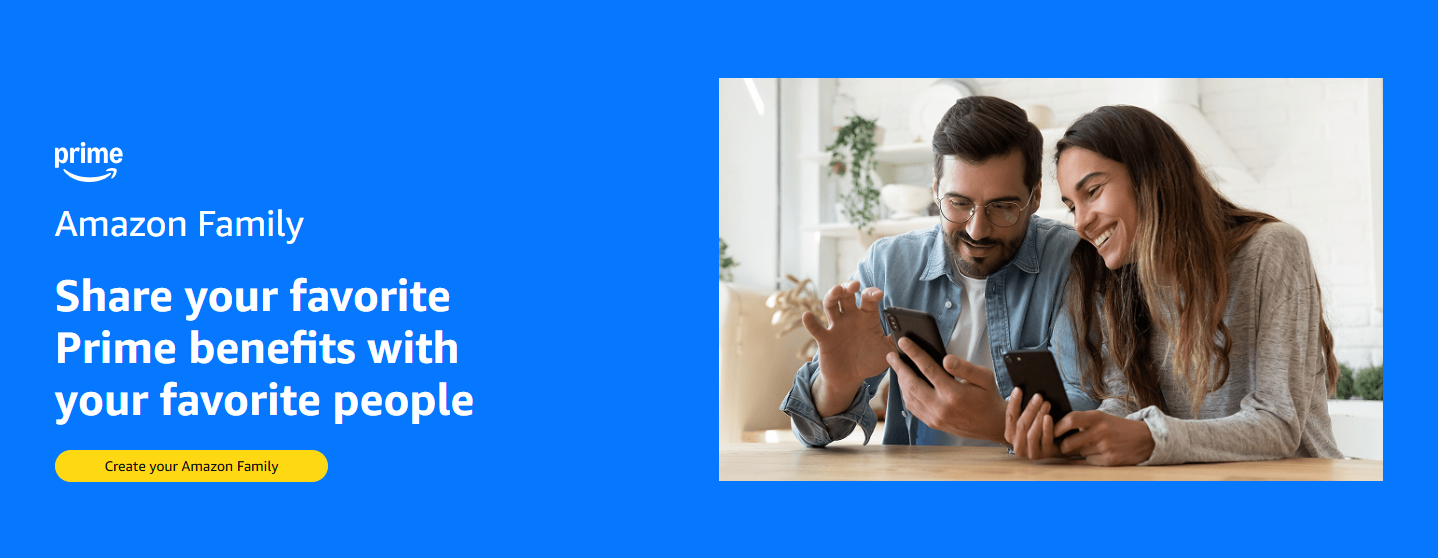
Once they accept, their free Amazon account is instantly upgraded with Prime shipping and streaming benefits.
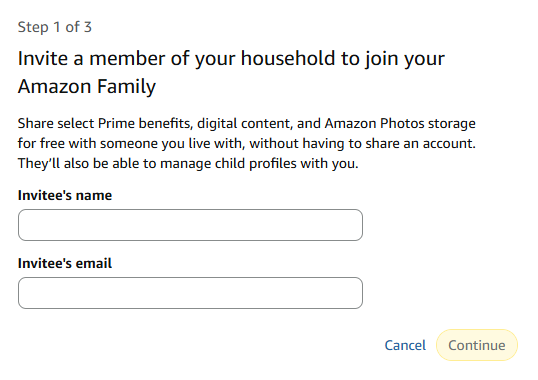
Teen accounts are perfect for high schoolers who want independence without draining your bank account. You retain total veto power over their cart.
When your teen shops, they will see the Prime shipping options automatically applied. They simply submit the order, and it sits in a pending state until you reply "Y" to the automated Amazon text message.
Child profiles are strictly for managing screen time and digital content on devices like Fire Tablets and Echo Dots.
You manage child settings entirely through the Amazon Kids Parent Dashboard app or website. From there, you can push specific audiobooks to their Echo speaker or block certain YouTube videos on their Fire Tablet. They cannot buy anything or browse the Amazon retail store.
Sharing an account requires a deep level of trust because of how Amazon handles digital libraries and billing. You have granular control, but you cannot hide your credit cards.
Shared billing acts as a strict security measure. Amazon forces both adults to pool their saved credit and debit cards. This purposefully discourages people from splitting the cost of Prime with random internet strangers.
If you link accounts with a friend, that friend can technically select your credit card at checkout. You must explicitly agree to this risk during setup.
The Family Library dictates which digital purchases cross over to the other person's devices. You do not have to share everything.
From your Household dashboard, you can toggle specific categories on or off. You can choose to share Apps and Games, but keep Audiobooks and Kindle Books private. If you only want to share one specific Kindle book, you can manually push individual titles to your partner's e-reader instead of opening your entire library.
Relationships change, and roommates move out. Removing someone from your shared plan is completely straightforward, but it comes with a severe time penalty.
To remove an adult, go to your Amazon Household dashboard. Find their name under the Adult section, and click the link that says Remove. Confirm your choice on the next screen. Their Prime benefits will immediately vanish, and your payment methods will be separated.
Amazon enforces a strict 180-day cooling-off period when an adult leaves a Household. Once you sever the connection, neither the primary account holder nor the removed adult can join a different Amazon Household for six full months.
You cannot bypass this restriction by contacting customer service. It is hardcoded into the system to stop people from rotating their friends through a single Prime membership every month. Make absolutely sure you are ready to commit before linking accounts.
If you are debating whether to combine accounts or keep paying for two subscriptions, seeing the differences side-by-side helps clarify the decision.
| Feature | Shared Amazon Household | Separate Prime Accounts |
|---|---|---|
| Annual Cost | $139 total (split if desired) | $278 total ($139 per person) |
| Account Privacy | Private order history & wish lists | Private order history & wish lists |
| Shipping Benefits | Free 2-Day, 1-Day, Same-Day | Free 2-Day, 1-Day, Same-Day |
| Payment Sharing | Required for adults | Completely separate |
| Digital Libraries | Can be merged or kept private | Completely separate |
| Teen Ordering | Parents can approve via text | Teens must use parent's login |
| Music Streaming | Limited to one adult | Both get ad-free Music Prime |
The cost savings heavily outweigh the minor drawbacks. Unless both adults are heavy Amazon Music users who refuse to use Spotify or Apple Music, the shared setup is vastly superior.
Technology frequently glitches when linking complex billing systems together. If you hit a roadblock during setup, it is usually tied to region settings or existing subscriptions.
"Country/Region settings do not match" is the most common error. Both Amazon accounts must be registered in the exact same country. If your partner's account was created in the UK and yours in the US, the system will block the invitation. You must update the region settings in their account preferences first.
"Cannot join another household" means the 180-day penalty is currently active. If your partner recently left an old shared account with a former roommate, they simply have to wait out the clock. There is no override available.
If the second adult already pays for Prime, they should cancel their individual membership before accepting your invitation. Amazon will usually issue a prorated refund for their remaining individual subscription time. Have them cancel, wait an hour, and then click the invite link.
Can family members see my Amazon order history?
No. Adult members have completely separate logins. Your partner cannot see what you bought, your search history, or your wish lists. Everything stays private except for the digital content you explicitly choose to share.
Does the second adult need their own Amazon account?
Yes. The invited adult must have an active, free Amazon account to accept the invitation. They will use their own email address and password to log in.
What happens to my Prime Video watchlist if I join a household?
Your watchlist stays perfectly intact. Because you are using your own Amazon login, Prime Video will retain your viewing history, saved shows, and algorithmic recommendations.
Can I share Prime with someone living in a different state?
Technically, Amazon Household is designed for people living at the same address. However, Amazon does not aggressively track GPS locations for shared accounts. You can link accounts with family members elsewhere, but you must still agree to share payment methods.
How does the 180-day waiting period work?
If you remove an adult from your shared account, both of your accounts are locked out of the Household feature for 180 days. You can add each other back together, but you cannot add a brand-new person until the six months expire.
Can I share an Amazon Student or discounted Prime account?
No. Amazon restricts sharing features to standard, full-price Prime memberships. If you have Prime Student or Prime Access (EBT discount), you cannot invite a second adult.
Do teens need their own phone number to use Amazon?
It helps, but it is not strictly required. You can set up a teen account using their email address instead of a mobile number.
Can I hide specific Kindle books from my family?
Yes. You can turn off the Family Library sharing entirely, or you can go into your "Content and Devices" settings and uncheck specific books so they do not appear on your partner's Kindle.
Does Amazon Household include free grocery delivery?
Yes. Both adults receive the Prime perks for Whole Foods discounts and Amazon Fresh delivery access. The invited adult just scans the Whole Foods QR code inside their own app.
Will my payment methods be charged for my teenager's orders?
Yes. Since teens do not enter their own credit cards, their approved orders will be charged to the default payment method configured by the primary adult.
Amazon Household is one of the most generous, consumer-friendly features the company offers. By linking your profiles, you instantly cut your household subscription costs in half without sacrificing privacy or shipping speeds. The ability to give teens safe purchasing autonomy while locking down child screen time makes it an absolute necessity for modern parents.
At the end of the day, there is absolutely no reason to pay for two Prime memberships in the same house. Consolidating your accounts saves you serious money, keeps your digital purchases organized, and gives you complete control over what your kids can buy.
Last Updated: June 10, 2026
 6 Pack Classic Baseplates 10" x 10", Building Base Plates for Building Bricks,...$8.39$13.9940% off
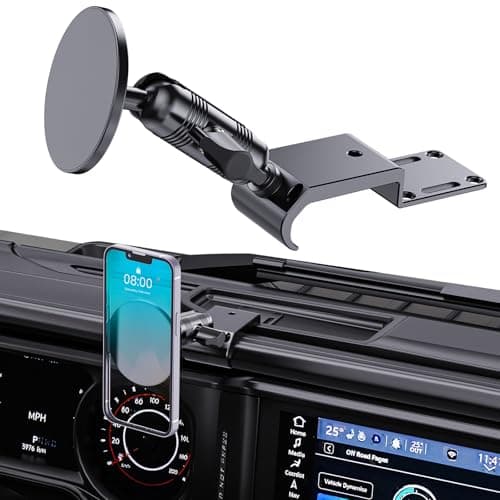
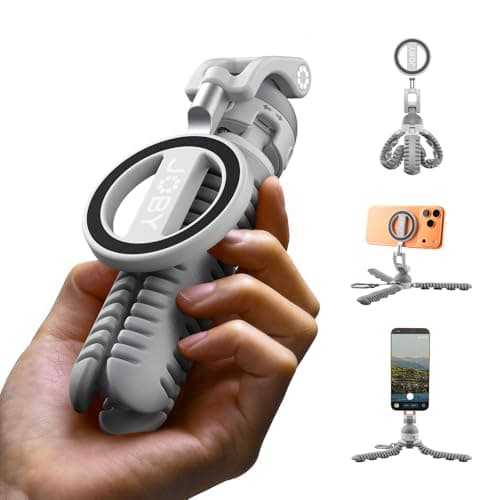 PodZilla™ SuctionTripod Magnetic Kit,Flexible Magnetic Tripod with Suction...$31.99$39.9920% offUpgraded Metal Phone Mount for Jeep Wrangler JL JLU 2024-2026 and Gladiator JT...$35.99$39.9910% off
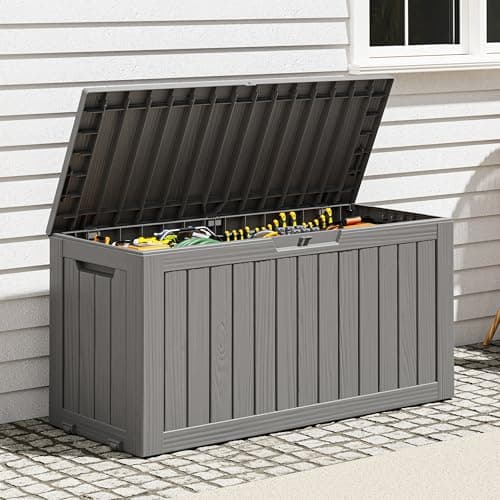 Outdoor Storage Box, Resin Deck Boxes Indoor and outdoor, Waterproof Storage...$55.79$92.9940% off
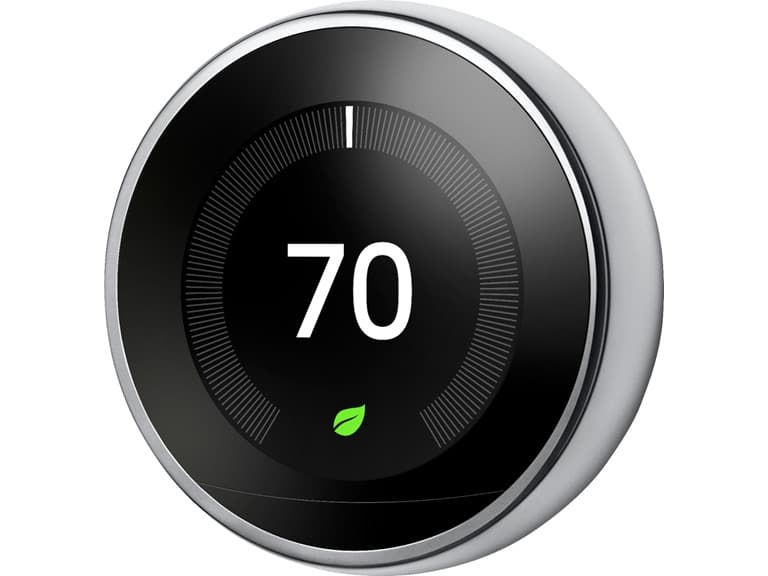 Google Nest Learning Smart Wifi Thermostat (Open Box)$116.39$249.9953% off
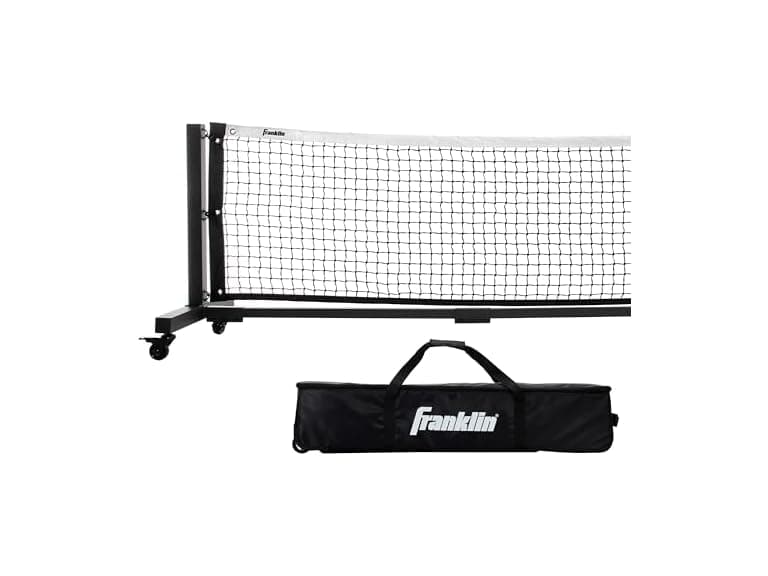 Franklin Sports Skinny Singles 11' Foot Pickleball Net (Open Box)$319.43$1,499.9979% off
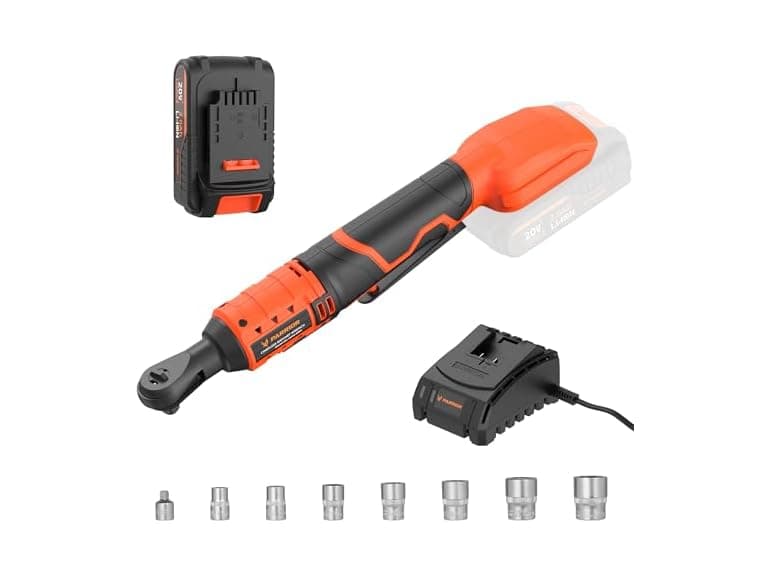 PARRIOR ML-IW44-200K Cordless Ratchet Wrench Orange$48.99$119.9959% off
 MARANI 8x8 Matrix Switch DSP System$299.99$899.9967% offGoogle Nest Learning Smart Wifi Thermostat (Open Box)$116.39$249.9953% offFranklin Sports Skinny Singles 11' Foot Pickleball Net (Open Box)$319.43$1,499.9979% offPARRIOR ML-IW44-200K Cordless Ratchet Wrench Orange$48.99$119.9959% offMARANI 8x8 Matrix Switch DSP System$299.99$899.9967% off
