
Amazon’s New Price History Feature Explained: How to Read the Chart
Fat Kid Deals3 months ago8 min read
Fat Kid Deals may earn from qualifying purchases - more info
Affiliate Disclosure: As an Amazon Associate, Fat Kid Deals earns from qualifying purchases. Prices and availability are subject to change.
We may earn a commission for purchases made through links on the website.
Fat Kid Deals may earn from qualifying purchases - more info
Amazon's price history feature is the quickest built-in way to tell whether a sale is actually worth your money. On supported product pages, you can open a chart, compare 30-day, 90-day, and sometimes 365-day pricing, and see whether today's price is near a recent low or just dressed up like one.
If you're shopping Prime Day, Lightning Deals, or a big-ticket item, that check can keep you from overpaying in about ten seconds. This guide reflects the live tool as of July, 2026, and sticks to the stuff that matters: where to tap, how to read the chart, and when to use a backup tracker.
| It shows | It doesn't show |
|---|---|
| Recent price movement on supported listings | Every seller price, coupon, or Subscribe & Save amount |
| 30-day, 90-day, and up to 365-day views | A perfect log of every offer variation |
| The recent low for the Featured Offer | Whether a third-party coupon changes the true out-the-door price |

Amazon's price history feature is a built-in pricing chart on supported product pages. It shows how a product's price has changed over time so you can tell whether today's sale is genuinely low or just looks good because of the sticker.
That's the whole game for budget shoppers. If the chart shows the item has lived at roughly the same level for most of the last 90 days, a shiny sale badge probably isn't saving you much.
Amazon built the feature into both the Amazon Shopping app and the website, and you can also ask Alexa for Shopping from a product detail page. That means you don't need a separate browser extension just to get a fast read on price movement.
As of May 13, 2026, Rufus was renamed Alexa for Shopping, so older screenshots may still use the old name.
All U.S. Amazon customers can use Alexa for Shopping on the app and website, so you don't need a Prime membership just to view price history.
Amazon says price history is currently available to customers in the U.S., UK, Canada, and India. In the U.S., the feature itself is live, but not every product page is eligible and the 365-day view is still rolling out.
If the link is missing, the tool probably isn't broken. The product may just not be eligible yet, which happens often enough that it's worth checking a second time before you assume you've missed a setting.
Start on the product detail page and look near the current price for the Price history link. On supported listings, it's the fastest path to the chart whether you're on mobile or desktop.
Once the chart opens, look at the 30-day view first. That tells you whether today's price is a true short-term dip or just the usual number in a fancy hat.
Then check the 90-day view. If the current price is still above the recent floor, don't let the sale badge do the convincing for you.
You can also ask Alexa for Shopping instead of hunting for the chart. Amazon's documented prompts are easy ones to remember.
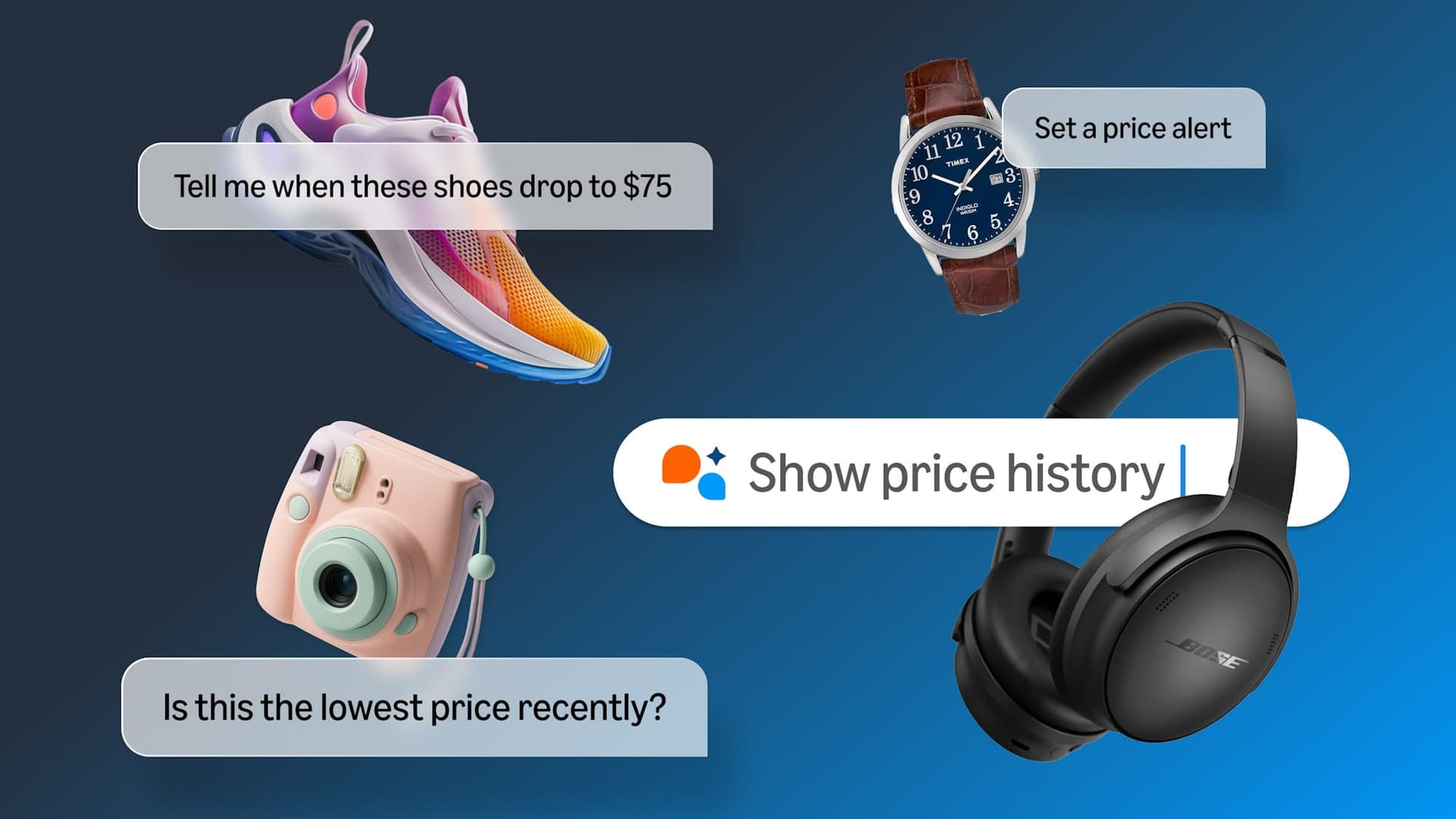
Use What's the price history?, Has this item been on sale in the past 30 days?, and Is this the lowest price recently?
During sale events, you can also ask What was the price last Prime Day? or Was it cheaper last Black Friday?
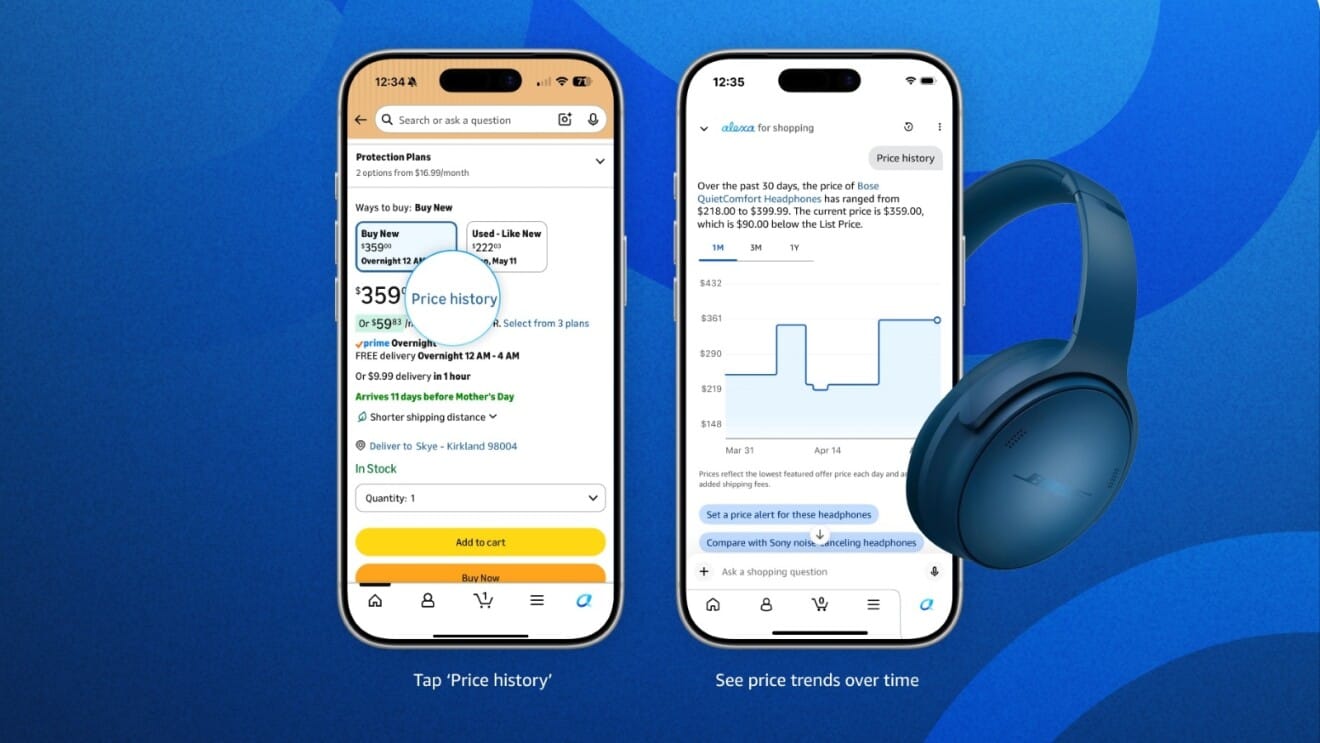
The 30-day view is the short-term sanity check. It shows whether the current sale is meaningfully better than what Amazon has asked for recently.
The 90-day view is the better everyday buying tool. It smooths out one-off spikes and helps you see whether the listing has been drifting down, bouncing around, or sitting stubbornly flat.
The 365-day view is the big-picture check. On supported listings, it can show whether the item tends to hit better prices around specific seasons or sale events. Since the 365-day view is still rolling out, you may not see it on every eligible page yet.
| View | What it tells you | Best use |
|---|---|---|
| 30-day | Recent movement and short-term dips | Quick yes-or-no check |
| 90-day | Whether today's price beats the normal recent range | Everyday shopping |
| Up to 365-day | The broader yearly low pattern | Big-ticket items and seasonal buys |
Amazon's chart doesn't show every possible discount scenario. The graph reflects the lowest Featured Offer price each day, so it isn't a complete log of every seller price or every coupon code.
That matters because a clipped coupon or a Subscribe & Save discount can make a listing look cheaper than the chart suggests. If you're buying groceries or household basics, check the final checkout price too, not just the chart.
The Featured Offer is the main offer Amazon highlights on the product page. It's the version most shoppers see first, and it's usually what drives the Buy Now or Add to Cart decision.
So the chart is great for judging the price you're most likely to pay, but it isn't a full forensic record of every marketplace offer. That distinction sounds small until a third-party seller, a hidden coupon, or a subscription discount changes the real math.
For cheap, replaceable stuff, the process can be stupid simple.
Check the 90-day view first, then ask yourself one question: is today's price actually near the low, or does the chart show plenty of room to wait?
If the current price is close to the recent low and you need it now, buy it. If the chart looks flat and the sale badge is doing all the work, pass for the moment and let the alert do the waiting.
A good rule is this: if you wouldn't be annoyed seeing the item dip a little lower next week, you probably don't need to buy it this second.
For big-ticket stuff, slow down and make sure you're comparing the exact same model, size, color, or storage level. Amazon listings can shift between variants, and a chart that looks amazing on one version can be meaningless on another.
Use the longest view available, then compare the current price with the lowest recent point and the normal running range. If the gap is small, the item may be fine to buy now, but if it's far above the recent low, waiting usually pays off.
This is also where a second tracker earns its keep. A dedicated tool can catch longer patterns, third-party offers, and weird coupon behavior that Amazon's own chart may gloss over.
Prime Day and Lightning Deals are where a lot of shoppers get burned, because the timer makes every discount feel urgent. Price history cuts through that noise fast.
If today's price is close to the 90-day low, the deal may be worth grabbing if you actually need the item. If it's still well above a recent low, the sale is probably more marketing than magic.
During big events, ask the extra seasonal question too: What was the price last Prime Day? That gives you a better read on whether today's deal is actually strong or just noisy.
Buy now when the item is useful, the price is near the recent floor, and you'd be annoyed if it sold out before you came back. That's especially true for replacement items, gifts, and things you already planned to buy.
Set a target-price alert when the price is fine but not exciting. Alerts keep you from buying early just because a deal banner got loud, which is basically the whole point of using price history in the first place.
Price history tells you what Amazon charged before. Alerts help you wait for what you actually want to pay.
Open Alexa for Shopping, set a target price, and let the tool watch the item for you. Prime members can also turn on auto-buy, which means Amazon can complete the purchase when the item hits your price target.
That makes the chart much more useful than a one-time check. It turns price history into a plan, which is exactly what budget shoppers need when they don't want to hover over a cart button all week.
It's Amazon's built-in pricing chart on supported product pages. It shows how a product's price has changed over 30 and 90 days, plus up to 365 days on supported listings, so shoppers can judge whether a deal is worth it.
Yes. All U.S. Amazon customers can use Alexa for Shopping on the Amazon Shopping app and website, so you don't need a Prime membership just to view price history.
Look next to the price on a supported product detail page for the Price history link. You can also open Alexa for Shopping and ask for the item's price history.
Amazon shows 30-day and 90-day history, plus up to 365 days on supported listings. As of July 10, 2026, Amazon says 365-day price insights are still rolling out in the U.S.
Not exactly. Amazon says the graph shows the lowest Featured Offer price each day, so it isn't a complete log of every seller price or every coupon scenario.
Yes. Alexa for Shopping can create target-price alerts, and Prime members can also turn on auto-buy so Amazon can complete the purchase when the item reaches that target.
Amazon describes the feature as available on eligible product pages across hundreds of millions of products, which means some listings won't show it. If the link is missing, use a separate tracker or watch the item manually.
It's a great first check because it's fast and built into the product page. For pricey items, coupon-heavy listings, or products with lots of third-party sellers, a dedicated tracker can give extra context.

 Glow in the Dark LED Light Up Ball, Rechargeable 6-Color Changing Cowhide...$14.99$21.4230% off
 WART Corn Remover Pads for Feet, 40% Salicylic Acid Wart Remover Pads, Corn...$6.39$7.9920% offToothbrush Holders Wall Mounted with Toothpaste Dispenser & 3 Cups | All-in-One...$18.39$22.9920% off
 Carey STENHydration Backpack Hiking Pack Equipped 2L Water Bag$28.79$31.9910% off
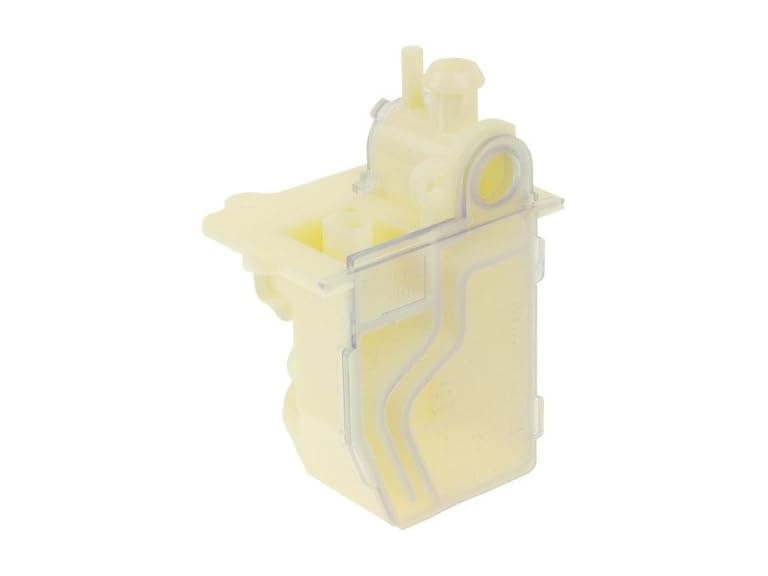 Protech 68-104346-01 Water Trap Condensate Drain$9.99$21.6154% off
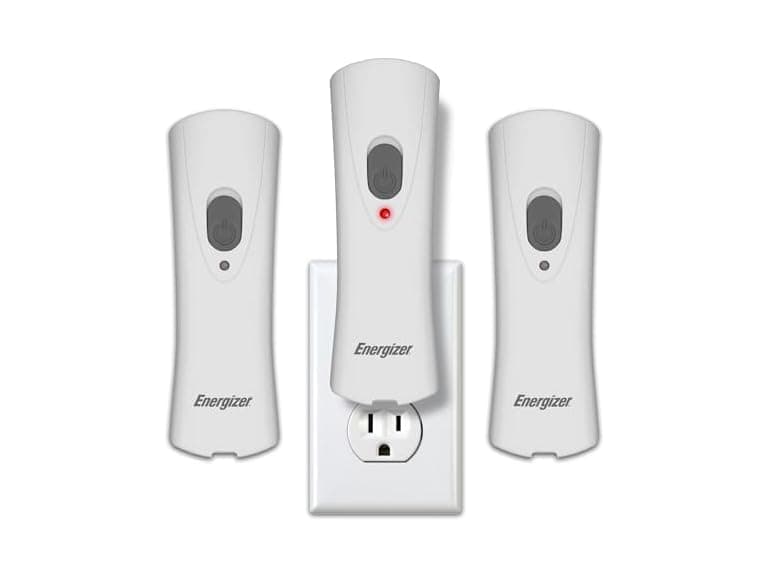 Energizer Weatheready Rechargeable LED Lights 3PK - White$14.99$31.4952% off
 Automatic Robotic Pool Cleaner, 3 in 1$169.99$479.9965% off
 vnilrgle Over Ear Earbuds with Ergonomic Earhook$12.99$43.9970% off
