
Amazon’s Alexa+ Can Now Make Custom Podcasts From Any Topic
Fat Kid Deals4 months ago9 min read
Fat Kid Deals may earn from qualifying purchases - more info
Affiliate Disclosure: As an Amazon Associate, Fat Kid Deals earns from qualifying purchases. Prices and availability are subject to change.
We may earn a commission for purchases made through links on the website.
Fat Kid Deals may earn from qualifying purchases - more info
Alexa Podcasts is Amazon's new Alexa+ feature that creates custom podcast-style audio episodes on demand from a topic you ask about. As of July 8, 2026, if you already pay for Prime, it's included with Alexa+ at no extra cost; if you don't, Alexa+ is listed at $19.99 per month in the U.S., and Alexa Podcasts is currently available to Alexa+ customers in the U.S. Updated July 8, 2026.
| What you need to know | Quick answer |
|---|---|
| What it is | A custom podcast-style audio feature inside Alexa+ |
| Launch date | May 18, 2026 |
| Who can use it | Alexa+ customers in the U.S. |
| Standalone Alexa+ price | As of July 8, 2026: $19.99 per month in the U.S. |
| Prime members | Full Alexa+ access at no extra cost |
| Where to listen | Echo Show notifications, the Alexa app, and Music and More |
| Best for | Fast recaps, explainers, travel prep, hobbies, and learning |
Alexa Podcasts isn't a regular podcast app buried inside Alexa. It's a generative audio tool that builds a new episode around whatever topic you ask for, instead of pulling up an existing show from a podcast library.
The setup is simple: you ask for a topic, review the plan, and Alexa creates a custom episode tailored to your interests. If you want a quick spoken summary of a topic, you don't have to hunt through feeds, search for the right show, or build a whole listening queue.
Think of Alexa Podcasts as a custom briefing tool. You give it a topic, and it turns that prompt into a fresh audio episode that feels more like a mini-show than a normal voice response.
That also means it's built for convenience, not for replacing original-source reporting or creator-led podcasts. It's best when you want a fast summary, not a long-form interview or a human host's point of view.
If you already use Alexa around the house, this adds something new without forcing you to learn a whole new app. It gives you a hands-free way to get a topic explained while you're cooking, commuting, cleaning, or packing for a trip.
Alexa Podcasts launched on May 18, 2026. As of July 8, 2026, Amazon has publicly confirmed the feature for Alexa+ customers in the U.S.
If you're trying to sort out what you can actually use today, the simple answer is this: the podcast feature is part of Alexa+ in the U.S., not a separate podcast subscription and not a general free Alexa tool.
Yes, if you already pay for Prime, Alexa+ access is included at no extra cost, which means Alexa Podcasts comes along for the ride. As of July 8, 2026, Alexa+ is listed at $19.99 per month in the U.S. as a standalone subscription if you don't have Prime.
That makes the feature interesting for Prime members and a lot less compelling for everyone else. Most shoppers shouldn't sign up for a paid subscription just because a fun audio feature exists.
Non-Prime users can try a limited free, text-based Alexa+ chat experience on Alexa.com and in the Alexa app, but that isn't the same thing as full Alexa+ access. Alexa Podcasts is described as an Alexa+ feature, so free chat access doesn't automatically get you the podcast generator.
This is the money angle that matters most. If you're already paying for Prime, Alexa Podcasts isn't an extra subscription line on your credit card, which makes it much easier to treat as a free perk.
The free chat experience is useful for quick answers, planning, research, and topic exploration. It doesn't mean every Alexa+ feature is unlocked.
If you want the custom podcast-style episodes, think in terms of Alexa+ access, not just free chat access.
You create an Alexa Podcasts episode by asking for a topic, reviewing the plan Alexa suggests, and then letting it generate the audio. The whole process is meant to feel quick, not technical.
The finished episode is designed to be ready in minutes. You don't need to upload documents or do prep work first.
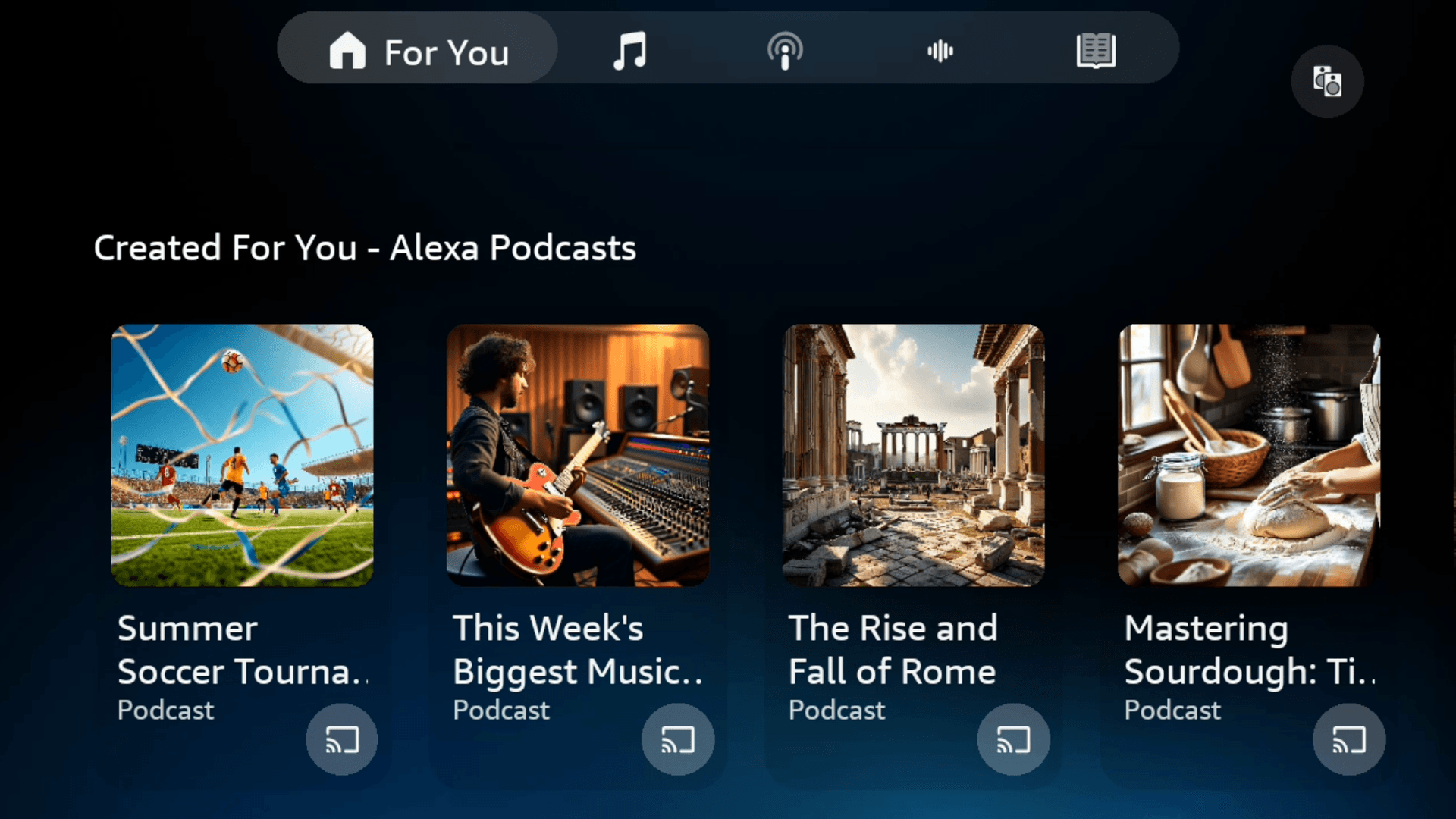
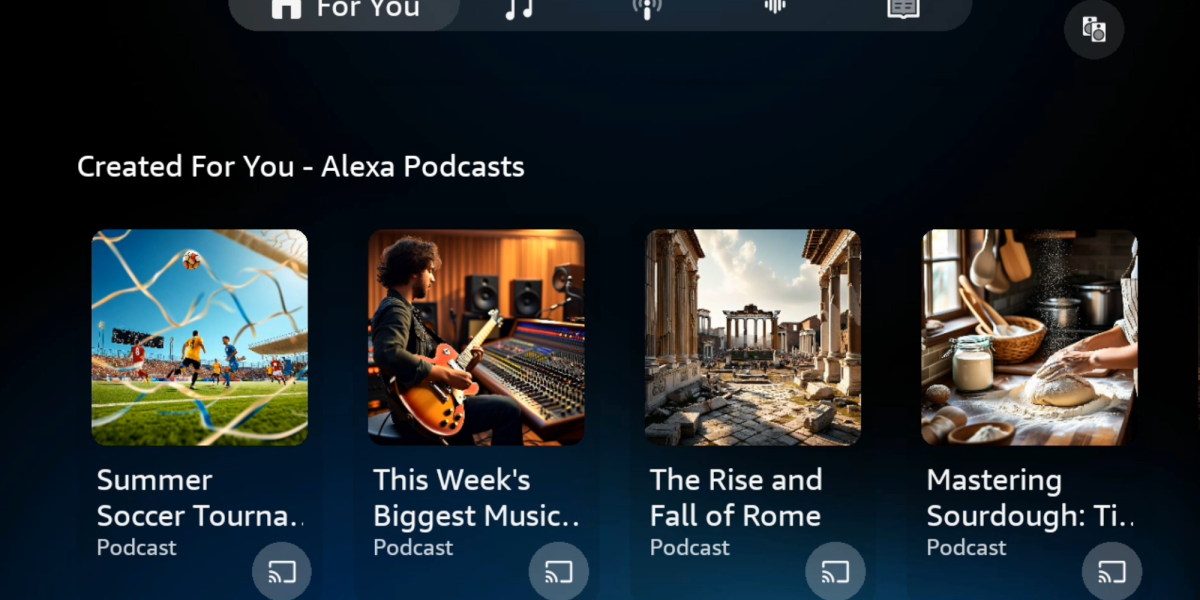
Start with something simple and specific. For example, you might ask for a five-minute recap of the latest music releases, a kid-friendly history lesson on Rome, or a quick explanation of sourdough baking.
The more clearly you define the topic, the better the result should be. If you want a certain length or angle, say that up front.
Alexa shows you an overview before the episode is generated. That's handy if you want the topic narrowed down, simplified, or stretched into a longer listen.
This step is the difference between a one-off response and a more useful custom episode. If the first plan feels too broad, tighten it before you generate the audio.
Once you approve the direction, Alexa creates the episode with AI-generated host voices. The result is meant to sound like a podcast-style briefing rather than a standard assistant answer.
That's useful, but it also tells you what this is and what it isn't. It's a generated recap, not a live show and not a human-hosted podcast.
You can listen in a few places, but the smoothest notification flow is through an Echo Show and the Alexa app. When an episode is ready, it appears there first.
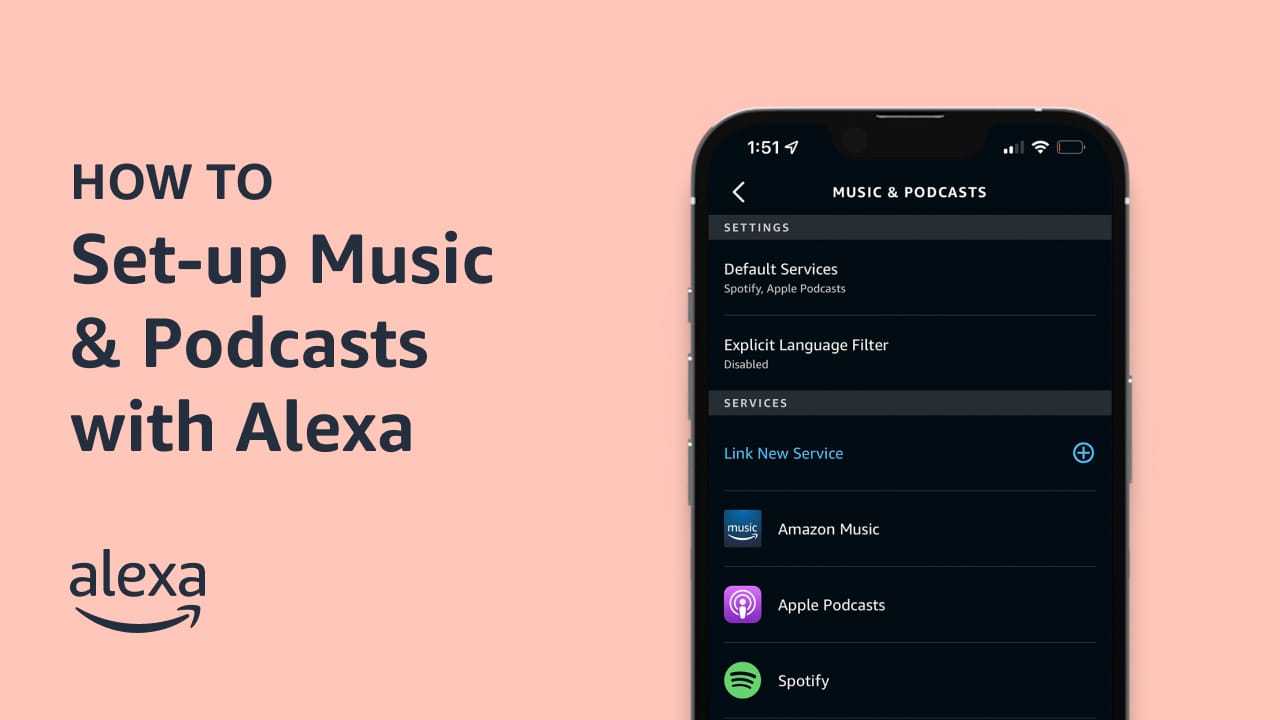
If you want to find it later, episodes can be saved in Music and More for replay. That's good news if you don't want to listen the second it finishes.
An Echo Show makes the handoff easy because you can see the notification when the episode is ready. That makes the feature feel more visual and less like a random voice prompt disappearing into the ether.
The Alexa app is the other key place to use it, especially if you're not standing near an Echo device. That matters for commuters, parents on the move, and anyone who wants the episode on the go.
The saved-location detail is nice because it keeps the feature from feeling disposable. If you generated a good recap or explainer, you can come back to it later instead of starting from scratch.
Alexa+ also works across Alexa-enabled devices, Alexa.com, and the Alexa app more broadly, which helps if you already use Alexa in more than one place.
Alexa Podcasts can cover a lot of everyday stuff: news recaps, sports highlights, travel prep, family learning, hobbies, and career topics. Example prompts from Amazon's rollout include things like Rome history, top music releases, sourdough baking, and leadership strategies.
It's not just for entertainment; it can also help you get a quick audio version of something you'd otherwise read in a browser.
Here are the kinds of prompts that make sense:
The best use cases are usually the ones where you want a fast rundown. If you're after nuance, debates, or a specific creator's voice, a normal podcast is still the better fit.
Yes, but mostly as a convenience tool. It's useful when you want a quick, customized audio briefing and don't feel like searching through several podcast episodes to find the right one.
It's less useful if you want breaking news, deep reporting, or long interview-style conversation. Since the episode is generated in minutes from a mix of source material, it's better for fast explainers and recaps than for minute-by-minute updates.
Alexa Podcasts makes the most sense if you want audio while you're doing something else. That includes cooking dinner, folding laundry, getting ready for a trip, or helping kids with a topic they don't want to read about.
It also works well for people who like the idea of learning by listening but don't love the endless search for the right podcast. That's a very normal shopper problem, honestly.
Alexa Podcasts and regular podcasts solve different problems. Regular podcasts are pre-recorded shows you choose from a catalog, while Alexa Podcasts creates a new custom episode from your prompt.
| Feature | Alexa Podcasts | Regular podcasts |
|---|---|---|
| Content source | AI-generated from your prompt | Pre-recorded by human creators |
| Best for | Fast recaps and custom explainers | Interviews, commentary, and long-form shows |
| Availability | Alexa+ customers in the U.S. | Depends on the podcast app or platform |
| Freshness | Good for recent summaries, but not instant live coverage | Can be updated by publishers, but not generated on demand |
| Feel | Personalized briefing | Traditional podcast listening |
If you want a quick answer shaped around your exact question, Alexa Podcasts is handy. If you want a favorite host, a sharp debate, or a deeply reported episode, stick with a regular podcast.
If privacy matters to you, check the Alexa app for voice-request controls and deletion tools. That's the right place to clean up anything you don't want hanging around.
The other guardrail is simple: treat generated episodes like quick briefings, then double-check anything important before you act on it. That's especially true for fast-moving topics like news, sports, or prices.
If you already have Prime, Alexa Podcasts is easy to try and easy to ignore if you don't love it. It's an included perk inside Alexa+ access, so the upside is real and the downside is basically just your time.
If you don't have Prime, this probably isn't the feature that should push you into a new subscription. It's a neat extra, not a must-have on its own.
Alexa Podcasts is an Alexa+ feature that creates custom podcast-style audio episodes on demand from a topic you ask about. The episodes are built in minutes and use AI-generated host voices.
Prime members get full Alexa+ access at no extra cost. As of July 8, 2026, Alexa+ is also listed at $19.99 per month in the U.S. as a standalone subscription, and Alexa Podcasts is described as available to Alexa+ customers in the U.S.
Ask Alexa about a topic, review the overview it plans to cover, and adjust the length or direction before it generates the episode. You don't need to upload documents first.
You'll get a notification on your Echo Show device and in the Alexa app when an episode is ready. You can also find it later in Music and More and replay it in the Alexa app.
No for playback. Echo Show gets the clearest notification flow, but episodes also appear in the Alexa app and can be replayed there later.
As of July 8, 2026, Amazon's public rollout note for Alexa Podcasts confirms availability for Alexa+ customers in the U.S. It hasn't published a broader public rollout update for this specific feature.
It can cover news, sports, travel prep, family learning, hobbies, and career topics. Think recaps and explainers more than a traditional podcast library.
Usually no. If you already have Prime, it's a nice included perk; if you'd be paying separately, most shoppers will want broader Alexa+ value than this one feature alone.

 Glow in the Dark LED Light Up Ball, Rechargeable 6-Color Changing Cowhide...$14.99$21.4230% off
 WART Corn Remover Pads for Feet, 40% Salicylic Acid Wart Remover Pads, Corn...$6.39$7.9920% offToothbrush Holders Wall Mounted with Toothpaste Dispenser & 3 Cups | All-in-One...$18.39$22.9920% off
 Carey STENHydration Backpack Hiking Pack Equipped 2L Water Bag$28.79$31.9910% off
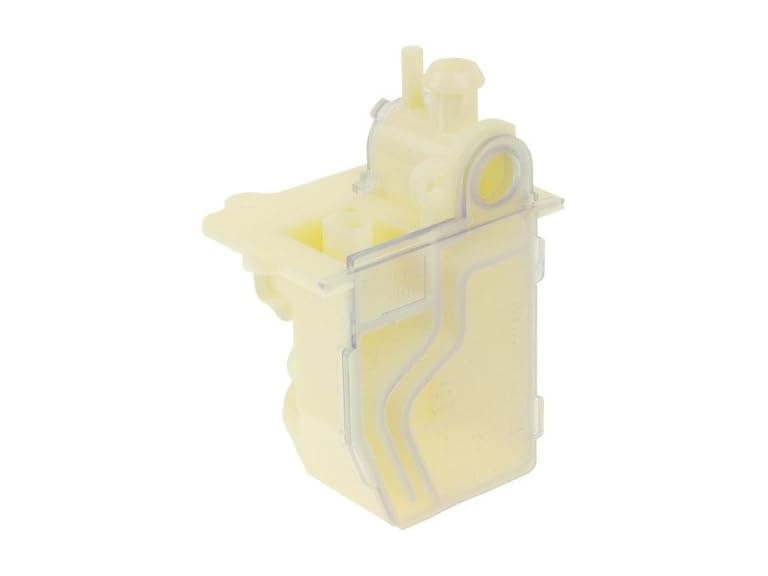 Protech 68-104346-01 Water Trap Condensate Drain$9.99$21.6154% off
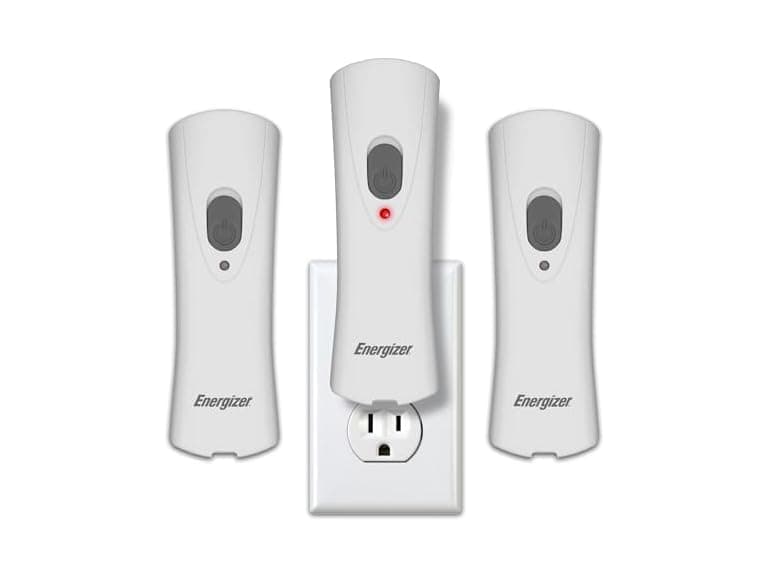 Energizer Weatheready Rechargeable LED Lights 3PK - White$14.99$31.4952% off
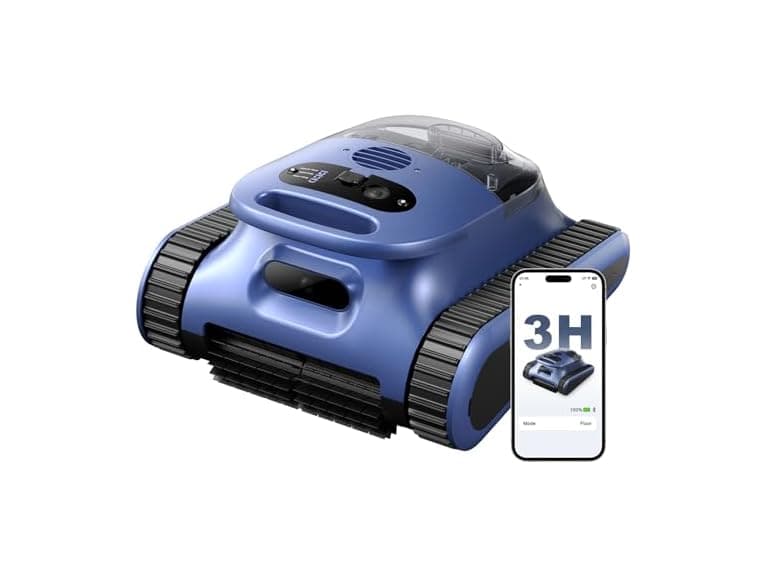 Automatic Robotic Pool Cleaner, 3 in 1$169.99$479.9965% off
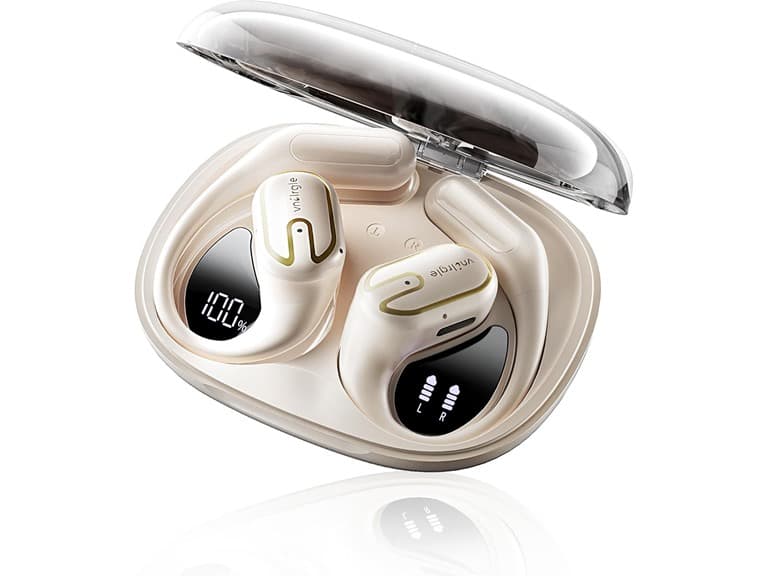 vnilrgle Over Ear Earbuds with Ergonomic Earhook$12.99$43.9970% off
