
Amazon Visual Search: 8 Features That Save Time
Fat Kid Deals4 months ago11 min read
Fat Kid Deals may earn from qualifying purchases - more info
Affiliate Disclosure: As an Amazon Associate, Fat Kid Deals earns from qualifying purchases. Prices and availability are subject to change.
We may earn a commission for purchases made through links on the website.
Fat Kid Deals may earn from qualifying purchases - more info
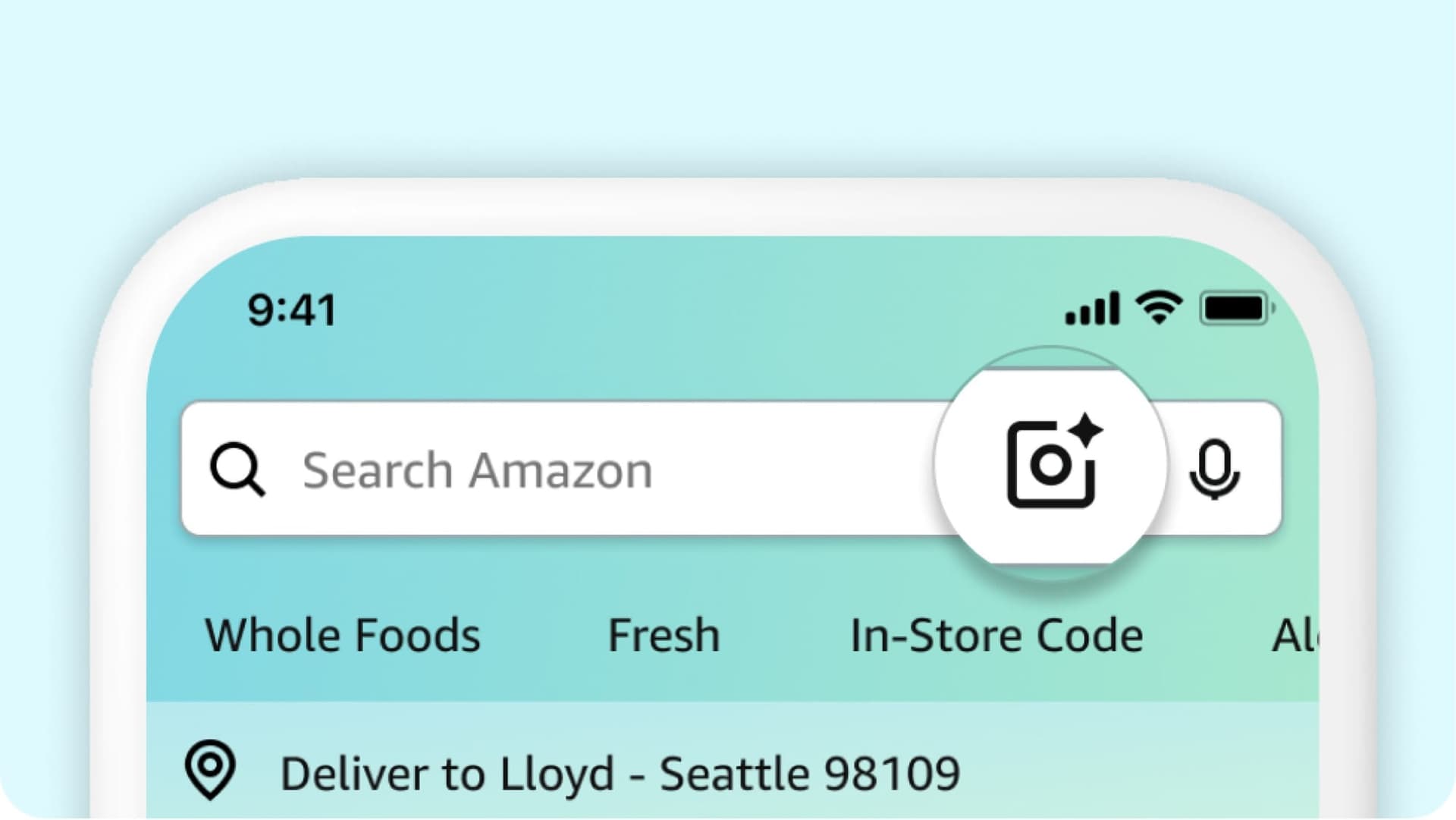
Amazon visual search is Amazon’s fastest way to shop by photo instead of by guesswork. In the Amazon Shopping app, you can upload a picture, snap a live photo, scan a barcode, or use newer visual tools to find exact matches, lookalikes, replacement parts, and better-value alternatives.
If you’ve ever stared at the search bar and thought, “I’ve got no idea what this thing is called,” this is the shortcut you want. It’s especially useful when you want the same item, a cheaper dupe, or a matching accessory without scrolling through a hundred near-misses.
Amazon visual search is Amazon’s set of image-first shopping tools inside the Amazon Shopping app. It’s best for shoppers who want to find an exact item, a replacement part, a matching accessory, or a cheaper lookalike without having to know the product name.
That makes it a sweet spot for deal hunters. If you can see the thing you want, you can usually get to the right product faster than typing a vague description and hoping Amazon guesses correctly.
Visual search saves time, but the real win is shopping smarter. Instead of settling for the first vague result, you can use photos to narrow the field, compare similar listings, and avoid buying the wrong version of an item.
Typing works fine when you already know the item name, model, or brand. But if you only know the vibe — “that lamp from TikTok,” “the missing charger tip,” or “the chair cover in that photo” — visual search usually gets you closer faster.
It’s also better when product names are messy. Amazon listings can be stuffed with too many words, so a picture often cuts through the noise faster than a search phrase.
This is where Amazon visual search gets practical. If you want a dupe, use the photo to find similar-looking items and sort through the price spread.
If you need a replacement part, use the image to get a tighter match instead of buying a “close enough” part that doesn’t fit. That one mistake can cost more in returns and reorders than the original savings were worth.
Here’s the cleanest way to think about the newer tools: each one solves a different shopping problem. Some are for discovery, some are for narrowing clutter, and some are for shopping in real time.
| Feature | Best for | Where you’ll see it | Smart money move |
|---|---|---|---|
| AI-generated images in the search bar | Getting a visual starting point when you only know the vibe | Amazon Shopping app search bar, especially in apparel and home | Use it to open up style ideas, then compare cheaper matches |
| Shop by Style collages | Browsing a look instead of a product name | Search results for apparel and accessories | Find a look you like, then compare similar items across price points |
| Lens Live | Seeing an item in the real world and wanting fast matches | Amazon Lens camera view in the app | Identify the item fast, then compare listings before you buy |
| Visual Suggestions | Narrowing a broad visual search while typing | Search flow in the app | Trim down noisy results instead of endless scrolling |
| Add text to image search | Refining a photo search with extra detail | After you upload an image to Amazon Lens | Add size, color, brand, or use-case words to improve match quality |
| Amazon Lens lock-screen widget | Jumping straight into visual search on iPhone | iPhone lock screen | Save time when you need a quick scan-and-search shortcut |
| More Like This | Finding visually similar alternatives fast | Search results page | Compare cheaper lookalikes before buying the first option |
| Circle to Search | Isolating one product in a cluttered photo | Inside Amazon Lens after you upload an image | Pull out the one item you care about from a busy scene |
The big availability note is simple: these newer features are rolling out to U.S. customers in the Amazon Shopping app on iOS and Android, with additional categories coming over time.
This is the “I know the style, not the item name” feature. Instead of starting from a blank text query, Amazon can generate visuals in real time as you type descriptive words into the search bar.
That’s especially useful for aesthetic categories. As of now, Amazon says this works best in apparel and home, so it’s a strong starting point for decor, fashion, and anything where the look matters more than the technical name.

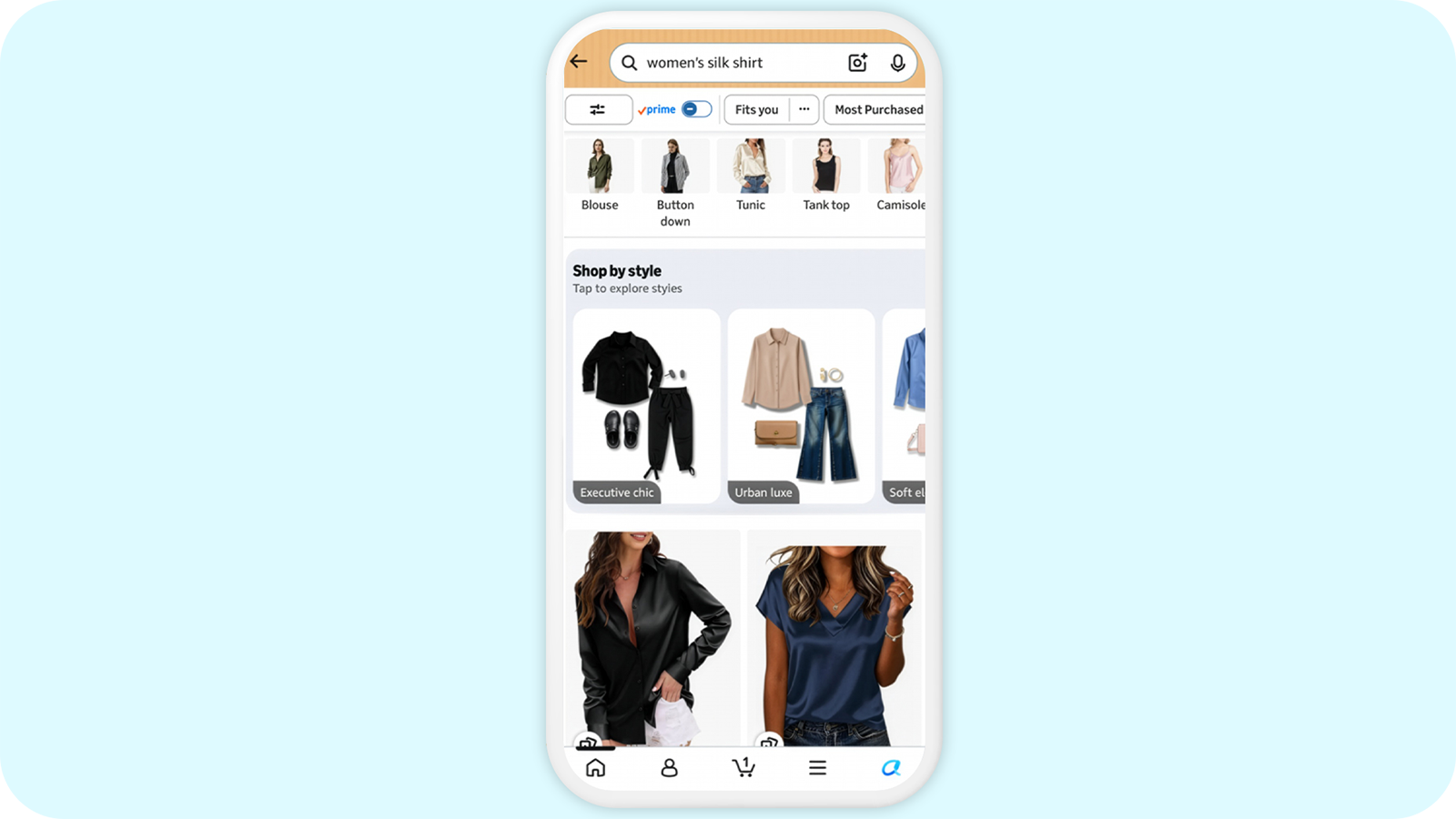
Shop by Style is built for browsing. In apparel and accessories searches, Amazon can show AI-generated shoppable collages labeled by style themes, which makes it easier to react to a look instead of a product title.
This is great when you want a specific vibe but don’t care about the brand. Use it to spot a look you like, then work backward to the cheaper version that still feels close enough.
Lens Live is the closest thing to “see it, shop it” in real life. You open Amazon Lens, point your camera, and matching items start showing up in a swipeable carousel without making you leave the camera view.
That makes it ideal for store shelves, a friend’s kitchen gadget, or something you spotted out in the wild and wanted to track down fast. Amazon says Lens Live is available to tens of millions of U.S. customers in the Shopping app on iOS and Android.

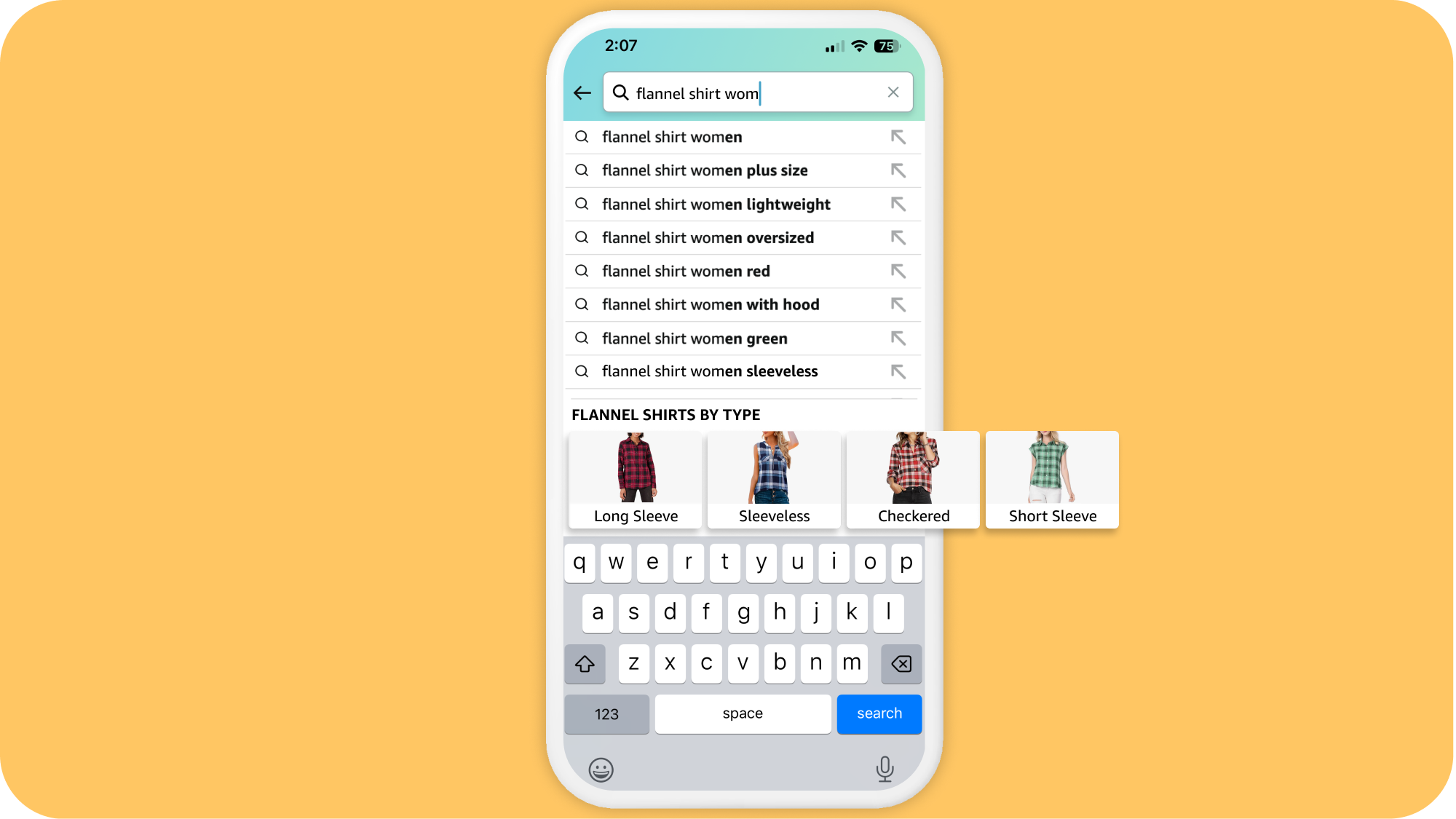
Visual Suggestions help clean up a messy search while you’re still typing. If your description is broad, Amazon can show visual filters that help you steer toward the version you actually mean.
That matters when your first search is too loose. A search like “flannel shirt” can turn into a more focused path before you waste time opening a pile of irrelevant results.
This is the hybrid move: use a photo for the item shape, then add words for the detail you care about. That could be color, size, material, compatibility, or use case.
It’s one of the best ways to get from “close” to “right.” If the first image result is in the ballpark but still off, adding a short phrase can save you from buying the wrong version.

The lock-screen widget is the fastest shortcut for iPhone users. It lets you jump into Amazon Lens Camera Search right from the lock screen, which is handy when you’re out shopping or trying to grab a match before you forget what you saw.
To add it, hold down your iPhone lock screen until the Customize button appears. Choose Lock Screen, tap Add Widgets under the clock, select the Amazon Shopping app, then swipe left to add Amazon Lens.
More Like This is one of the better bargain-hunting tools in the bunch because it helps you compare visually similar products without starting over. If something in search results looks close but feels overpriced, tap More like this and keep hunting.
This is where the cheaper lookalikes tend to show up. It’s not magic, but it’s a fast way to check whether the same look exists at a friendlier price.

This is the fix for a messy image with too much going on. After you upload a photo to Amazon Lens, you can circle the item you care about, resize the box, or move the box to focus on a different object.
It’s a small move, but it matters a lot. Cleaner input usually means fewer weird results and less scrolling through irrelevant stuff.

Not every visual-search tool fits every job. If you match the feature to the problem, you’ll waste less time and make fewer bad buys.
Use Lens Live first. It’s the fastest way to identify something on the spot and get into the right product family before you forget what you saw.
If the item has a label, barcode, or model number, scan that too. Exact identifiers beat guesswork every time.
Use regular image search plus text refinement. Upload the screenshot, then add words like color, size, brand, or function to narrow the result set.
If the screenshot has multiple items, circle the exact product before searching. That extra step usually saves you from a pile of near-matches.
Use More Like This or Shop by Style. Those are built for browsing similar looks, which makes them your best shot at finding a lower-cost version that still works visually.
This is where deal hunters should get picky. Compare finish, size, materials, and reviews before you call a cheaper item a win.
Use the most precise path you can: scan a barcode, search by photo, and add text like the model number or compatible device name. Exact replacements are where visual search can save you from a wrong-sized or wrong-shape purchase.
Don’t rely on “close enough” here. A slightly different part can turn into a return you didn’t need.
Use AI-generated search visuals or Shop by Style. These are the best tools when you’re shopping by taste, not by a technical product name.
Once you get the category right, switch to comparison mode and look for the least expensive version that still looks and reads like the thing you want.
Finding the item is only half the battle. The real savings come from what you do after Amazon shows you the results.
Once you’ve got a few visual matches, use Alexa for Shopping to compare them. Amazon lets shoppers compare multiple products from search results, and there’s also a Compare with Similar option on eligible product pages.
That’s the follow-up move that matters. Visual search helps you find the neighborhood, and Alexa for Shopping helps you decide which listing is actually the better buy.
A good-looking result isn’t automatically a good deal. If the current price feels high, check the item’s price history before you hit buy.
That’s especially useful for repeat purchases like cables, organizers, and small home items. A quick look can tell you whether to buy now, wait, or set a target price instead.
If you found the right item, the next question is timing. A Lightning Deal can be useful, but only if it’s for something you already wanted.
Use limited-time deals as a timing tool, not as a reason to buy random extras. The whole point is to find the right item faster, not to talk yourself into a bad cart.
Amazon visual search is useful, but it isn’t magic. A few limits matter if you want the right expectations before you start tapping around.
The core visual-search experience is centered on the Amazon Shopping app, not desktop shopping. That’s where the camera tools, Lens Live, and most of the visual refinements live.
If you mostly shop on a laptop, think of desktop as the place to compare and finalize, not the place to do the full Lens-style discovery flow.
The lock-screen widget is a nice bonus, but it only applies to iPhone users. Android shoppers can still use Amazon Lens inside the app, just not with that same lock-screen shortcut.
That means the widget is a convenience feature, not a requirement. You’re not missing the main visual-search tools if you’re not on iPhone.
Some of the newer visual-search features are still rolling out in the U.S., and some work best in specific categories. Right now, Amazon specifically calls out apparel, accessories, and home for several of the newest experiences.
So if you don’t see every feature yet, it may be an account, device, or category issue rather than a sign that the whole system is missing.
If you want the shortest possible path, start here. This is the basic flow for using Amazon search by photo in the app.
That’s the whole game: find fast, then verify smart.
The big change is that Amazon’s visual-search story got broader. Its June 3, 2026 roundup pulled together eight features: AI-generated search-bar images, Shop by Style, Lens Live, Visual Suggestions, text-plus-image search, the iPhone Lens widget, More Like This, and Circle to Search.
Amazon also changed the naming around its shopping assistant. On May 13, 2026, Rufus was renamed Alexa for Shopping, so that’s the name you’ll see in current comparison and price-history tools.
Amazon Lens is Amazon’s visual search tool inside the Amazon Shopping app. You can upload a photo, snap a picture, or scan a barcode to find exact matches or similar products, and Amazon says tens of millions of customers use it each month.
Yes. In the Amazon Shopping app, you can search with a photo from your library, take a live photo with Camera Search, or scan a barcode.
Amazon’s June 2026 roundup highlights eight visual-search features, including AI-generated images in the search bar, Shop by Style, Lens Live, Visual Suggestions, More Like This, and Circle to Search. Amazon says these features are rolling out to U.S. customers in the Shopping app on iOS and Android, with additional categories over time.
The core Amazon Lens experience is app-first. Desktop is better for Alexa for Shopping tasks like product comparisons, follow-up questions, and price-history checks than for the full camera-based Lens flow.
Hold down the iPhone lock screen until Customize appears, choose Lock Screen, tap Add Widgets, select the Amazon Shopping app, then swipe left to add Amazon Lens. It’s an iOS-only shortcut.
Yes, if you use them the right way. Visual search helps you find exact matches, lookalikes, and alternatives faster, and Alexa for Shopping can help you compare products and check price history before checkout.
If you used visual search to find the right category and now want live bargains, check this week’s best Amazon deals and promo codes.
 Glow in the Dark LED Light Up Ball, Rechargeable 6-Color Changing Cowhide...$14.99$21.4230% off
 WART Corn Remover Pads for Feet, 40% Salicylic Acid Wart Remover Pads, Corn...$6.39$7.9920% offToothbrush Holders Wall Mounted with Toothpaste Dispenser & 3 Cups | All-in-One...$18.39$22.9920% off
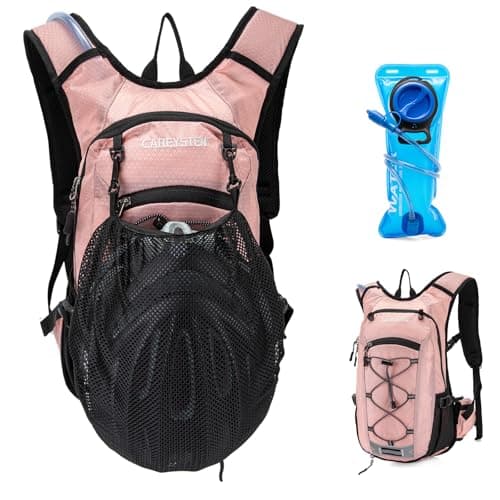 Carey STENHydration Backpack Hiking Pack Equipped 2L Water Bag$28.79$31.9910% off
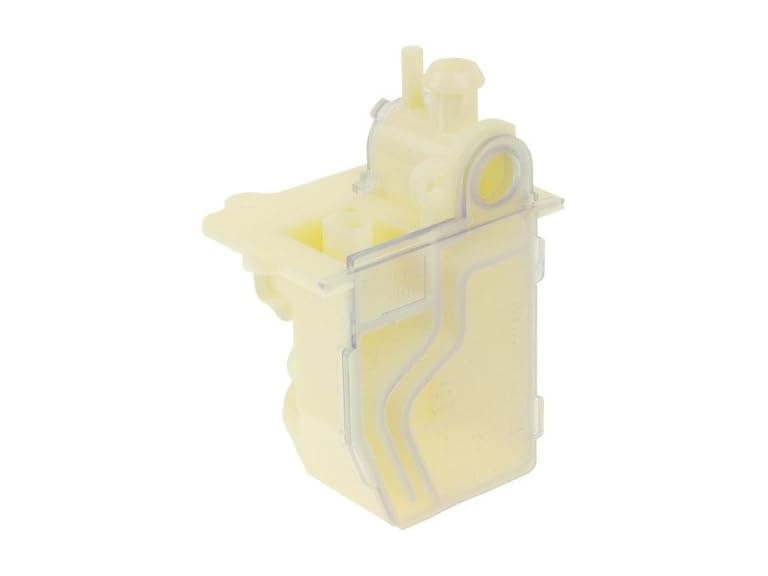 Protech 68-104346-01 Water Trap Condensate Drain$9.99$21.6154% off
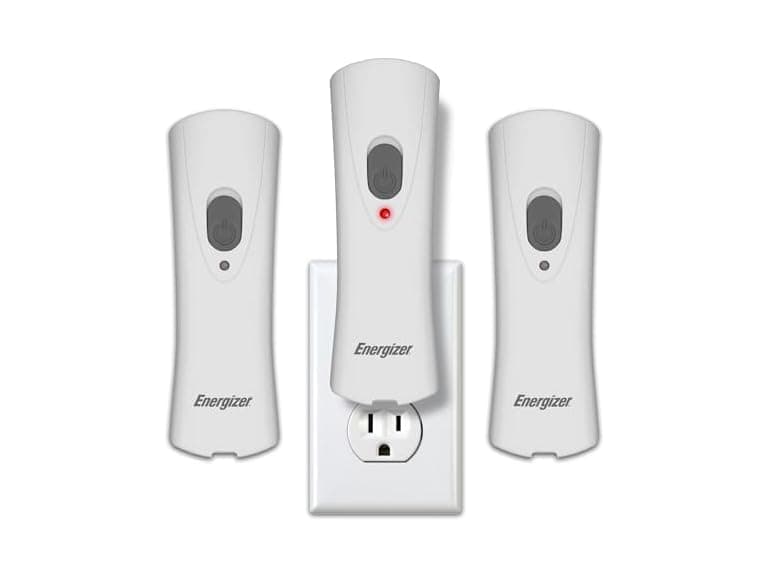 Energizer Weatheready Rechargeable LED Lights 3PK - White$14.99$31.4952% off
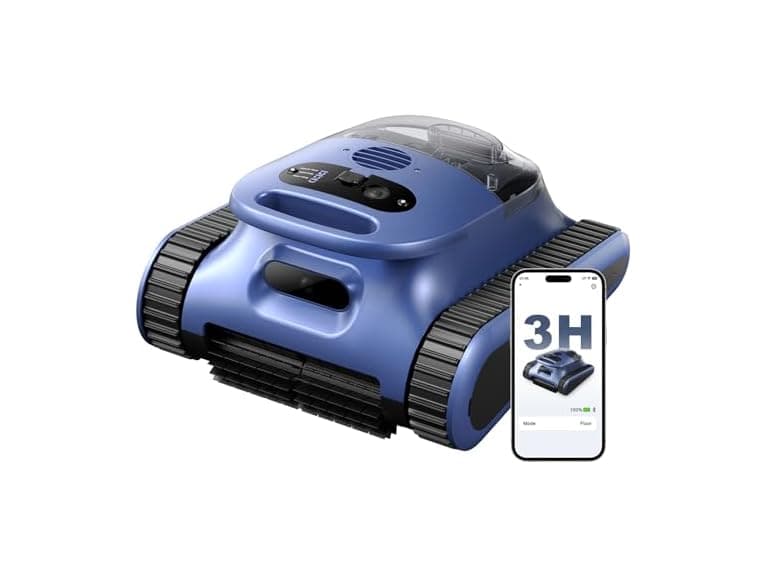 Automatic Robotic Pool Cleaner, 3 in 1$169.99$479.9965% off
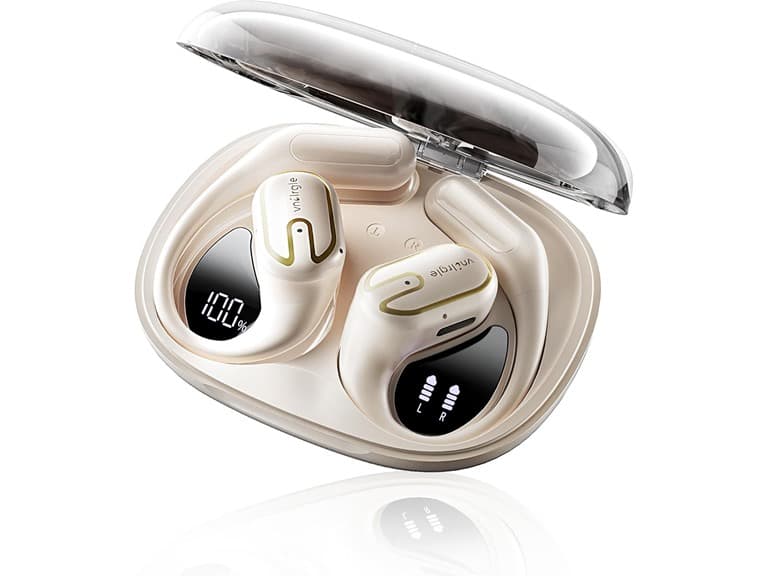 vnilrgle Over Ear Earbuds with Ergonomic Earhook$12.99$43.9970% off
