 10% OFF
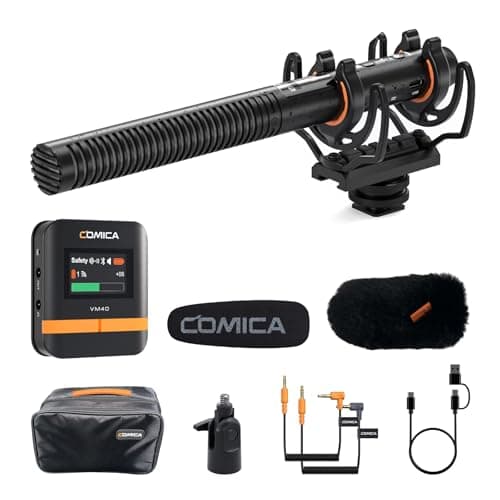
VM40 Shotgun Microphone – 48kHz/32-bit Float Recording, Wired & Wireless Modes,...
$224.10$249.00
Save $24.90
More DetailsFat Kid Deals may earn from qualifying purchases - more info
Affiliate Disclosure: As an Amazon Associate, Fat Kid Deals earns from qualifying purchases. Prices and availability are subject to change.
We may earn a commission for purchases made through links on the website.
Fat Kid Deals may earn from qualifying purchases - more info
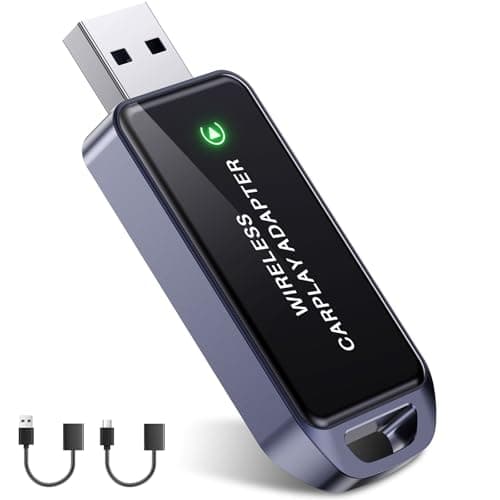
It supports iPhone 6 and later models with iOS 10+ and factory CarPlay-enabled cars from 2016 onward. Some Nissan models (2018–2020) may require an additional USB Y-cable.
The adapter uses Bluetooth 5.3 and 5.8GHz dual-band WiFi for a fast, stable, and low-latency connection, ensuring seamless navigation, music, and call controls without noticeable delays.
Setup is simple: plug the adapter into your car’s USB data port, complete a quick one-time Bluetooth pairing in about 5 seconds, and it will auto-connect on subsequent uses.
No, it fully supports your car’s original touchscreen, steering wheel buttons, knobs, and reverse camera without interference.
Yes, its mini design is tested for over 10,000 plug/unplug cycles, vibration, and extreme temperatures, ensuring stable performance even on rough roads or in harsh weather.
Amazon
Fat Kid Deals may earn from qualifying purchases – more info
It supports iPhone 6 and later models with iOS 10+ and factory CarPlay-enabled cars from 2016 onward. Some Nissan models (2018–2020) may require an additional USB Y-cable.
The adapter uses Bluetooth 5.3 and 5.8GHz dual-band WiFi for a fast, stable, and low-latency connection, ensuring seamless navigation, music, and call controls without noticeable delays.
Setup is simple: plug the adapter into your car’s USB data port, complete a quick one-time Bluetooth pairing in about 5 seconds, and it will auto-connect on subsequent uses.
No, it fully supports your car’s original touchscreen, steering wheel buttons, knobs, and reverse camera without interference.
Yes, its mini design is tested for over 10,000 plug/unplug cycles, vibration, and extreme temperatures, ensuring stable performance even on rough roads or in harsh weather.
10% OFF 50% OFF
 50% OFF
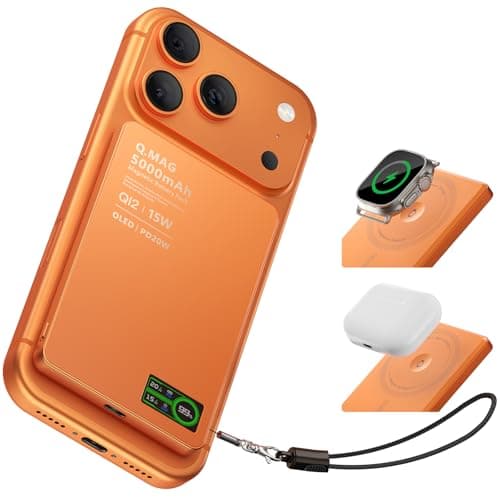 40% OFF
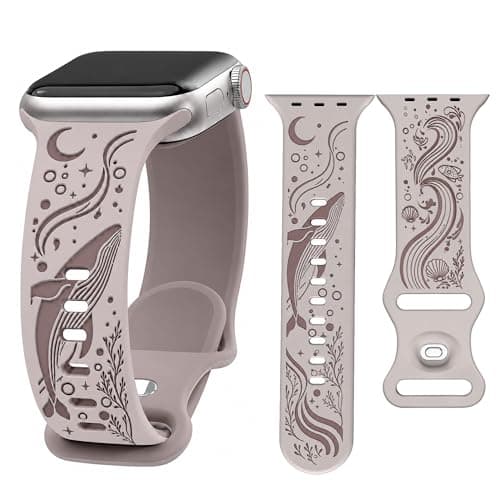 15% OFF
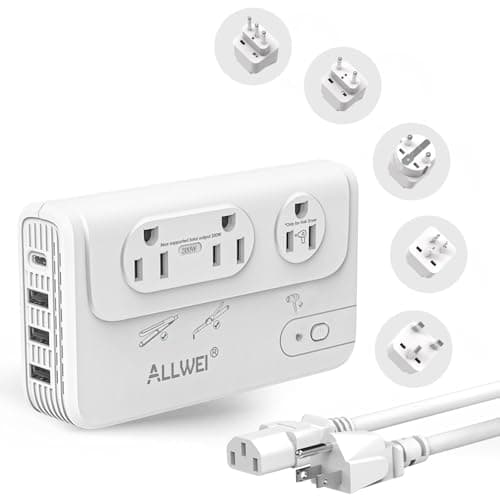 10% OFF
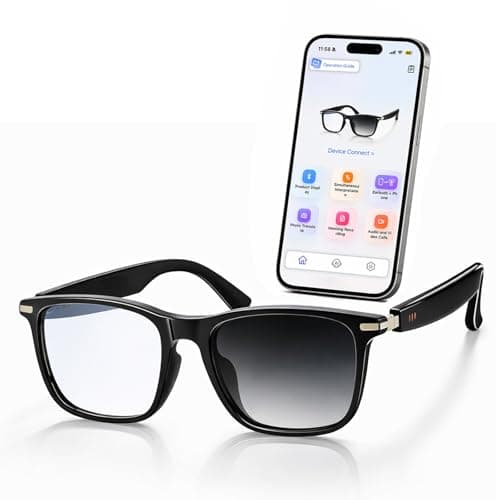 50% OFF
 50% OFF