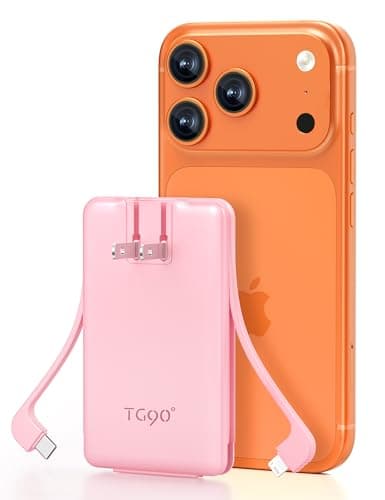
 50% OFF
5000mAh Portable Charger Built-in AC Wall Plug and Cables, Slim Fast Charging...
$15.00$29.99
Save $14.99
More DetailsFat Kid Deals may earn from qualifying purchases - more info
Affiliate Disclosure: As an Amazon Associate, Fat Kid Deals earns from qualifying purchases. Prices and availability are subject to change.
We may earn a commission for purchases made through links on the website.
Fat Kid Deals may earn from qualifying purchases - more info
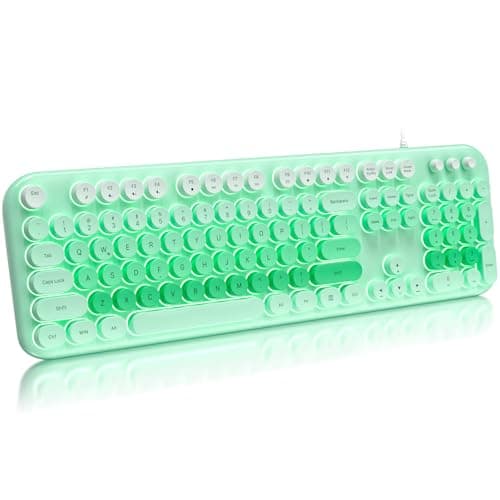
No, this keyboard is not compatible with Apple systems. It works with Windows 7, 8, 10, XP, and Vista.
Use the Fn key with F12 to toggle the backlight on/off or flash mode. Use Fn + ↑/↓ to adjust brightness and Fn + ←/→ to change the flashing speed.
No, it is a plug-and-play USB keyboard that does not require batteries or additional drivers.
It features a full-size layout with round retro keycaps and a foldable stand to reduce hand fatigue, providing a comfortable typing experience.
Yes, the keyboard is compatible with PCs, laptops, and smart TVs that support USB keyboards.
Amazon
Fat Kid Deals may earn from qualifying purchases – more info
No, this keyboard is not compatible with Apple systems. It works with Windows 7, 8, 10, XP, and Vista.
Use the Fn key with F12 to toggle the backlight on/off or flash mode. Use Fn + ↑/↓ to adjust brightness and Fn + ←/→ to change the flashing speed.
No, it is a plug-and-play USB keyboard that does not require batteries or additional drivers.
It features a full-size layout with round retro keycaps and a foldable stand to reduce hand fatigue, providing a comfortable typing experience.
Yes, the keyboard is compatible with PCs, laptops, and smart TVs that support USB keyboards.
50% OFF 15% OFF
 15% OFF
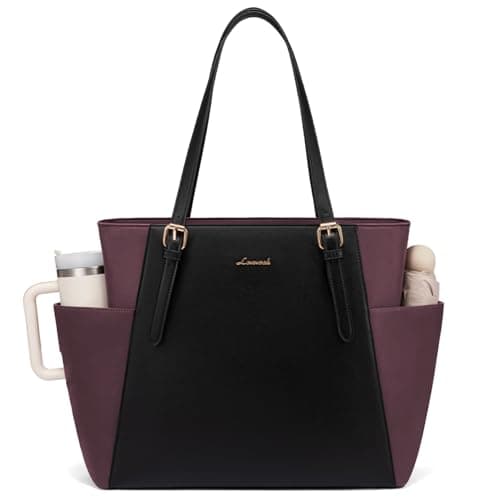 10% OFF
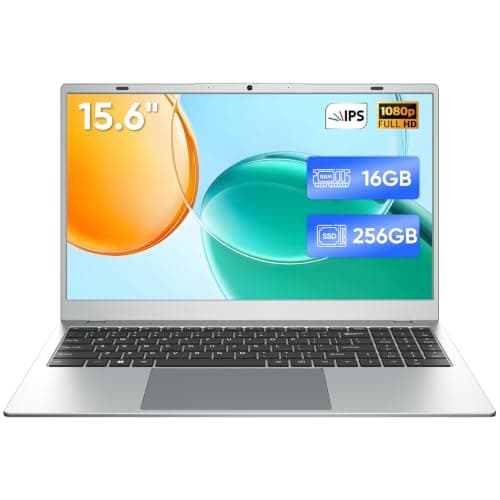 50% OFF
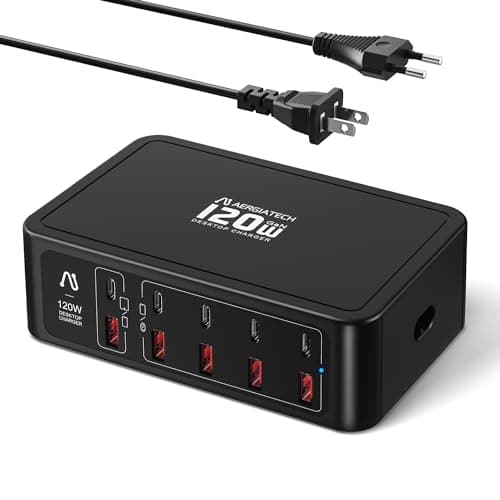 50% OFF
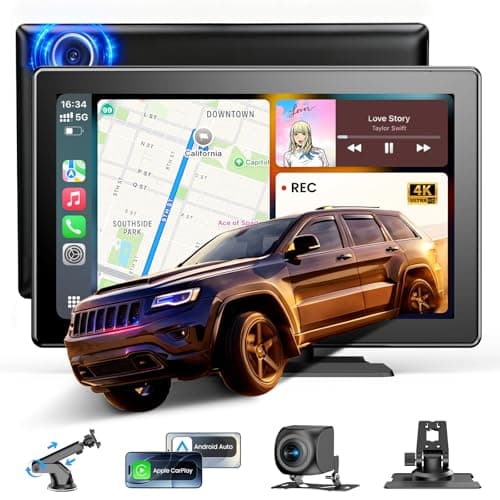 35% OFF
 50% OFF