 40% OFF
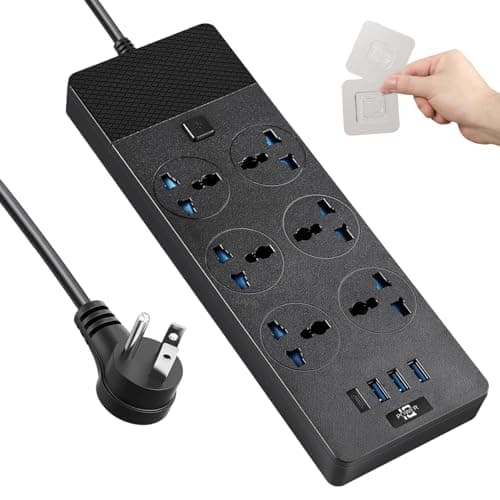
Universal Power Adapter, Jumpso 3000w Power Strip with 4 USB Ports (1 USB C),...
$14.99$24.99
Save $10.00
More DetailsFat Kid Deals may earn from qualifying purchases - more info
Affiliate Disclosure: As an Amazon Associate, Fat Kid Deals earns from qualifying purchases. Prices and availability are subject to change.
We may earn a commission for purchases made through links on the website.
Fat Kid Deals may earn from qualifying purchases - more info
Yes, the docking station is specifically designed to unlock triple display capabilities for M-Series Macs by utilizing DisplayLink technology.
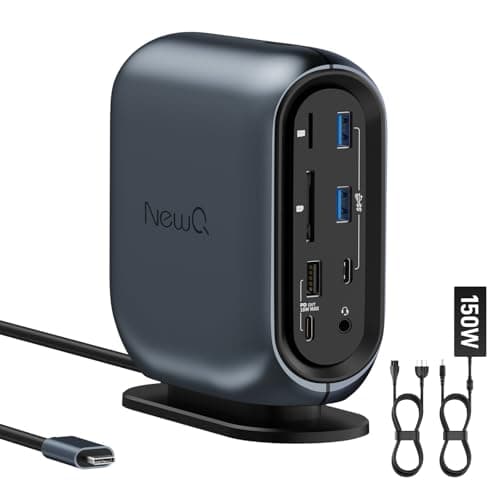
The docking station features 16 ports, including 3 USB 3.2 (10Gbps), 2 USB 2.0, Gigabit Ethernet, SD/TF card readers, dual HDMI, DisplayPort, and dual 3.5mm audio jacks.
Yes, the docking station is compatible with Windows (7+) and Linux systems, in addition to macOS and Chrome OS.
The docking station includes a 150W power adapter that provides 100W Power Delivery for laptops and two 18W PD ports for quickly charging your phone and tablet.
Yes, it requires driver installation for macOS and Windows to utilize its full capabilities, particularly for the triple display feature.
Amazon
Fat Kid Deals may earn from qualifying purchases – more info
Yes, the docking station is specifically designed to unlock triple display capabilities for M-Series Macs by utilizing DisplayLink technology.
The docking station features 16 ports, including 3 USB 3.2 (10Gbps), 2 USB 2.0, Gigabit Ethernet, SD/TF card readers, dual HDMI, DisplayPort, and dual 3.5mm audio jacks.
Yes, the docking station is compatible with Windows (7+) and Linux systems, in addition to macOS and Chrome OS.
The docking station includes a 150W power adapter that provides 100W Power Delivery for laptops and two 18W PD ports for quickly charging your phone and tablet.
Yes, it requires driver installation for macOS and Windows to utilize its full capabilities, particularly for the triple display feature.
40% OFF 50% OFF
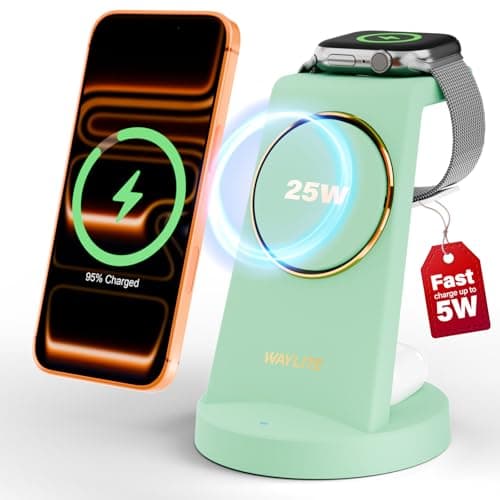 50% OFF
 50% OFF
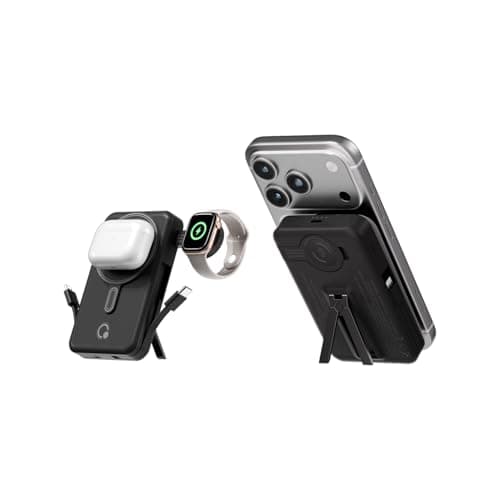 50% OFF
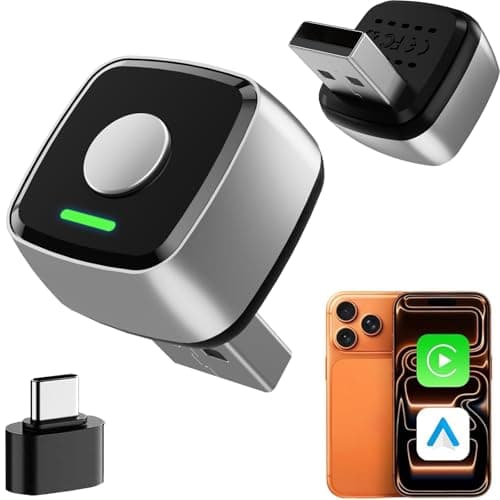 30% OFF
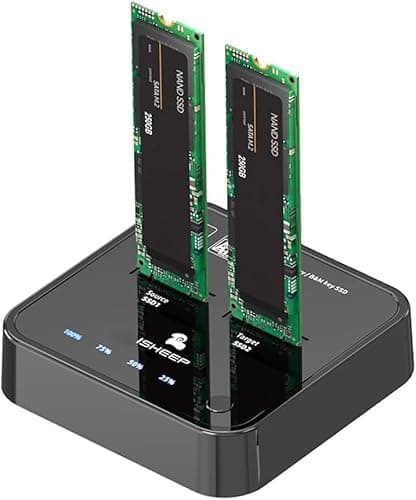 50% OFF
![acer HDMI Switch 5 in 1 Out [4K@60Hz, HDMI 2.0, HDCP 2.3, HDR] Switcher with Remote, Supports DTS, Dolby, Work for PS5/Xbox/Switch/Roku/TV Stick/Projector](/_next/image?url=https%3A%2F%2Fm.media-amazon.com%2Fimages%2FI%2F41bUH9EHfuL._SL500_.jpg&w=3840&q=75)
![[Electric Focus] 4K Support Projector with WiFi6 and Bluetooth 5.3, Outdoor Projectors for Outside Video Use, OWNKNEW Gaming Movie Proyector, Auto Keystone Correction](/_next/image?url=https%3A%2F%2Fm.media-amazon.com%2Fimages%2FI%2F51mO30Bev2L._SL500_.jpg&w=3840&q=75)