
Amazon Trade-In: Use 20% Off To Maximize Your Savings
Fat Kid Deals2 months ago9 min read
Fat Kid Deals may earn from qualifying purchases - more info
Affiliate Disclosure: As an Amazon Associate, Fat Kid Deals earns from qualifying purchases. Prices and availability are subject to change.
We may earn a commission for purchases made through links on the website.
Fat Kid Deals may earn from qualifying purchases - more info
Amazon Trade-In can be a smart way to upgrade a Kindle, Echo, Fire TV, or Ring device without paying full price, but only if you use the up-to-20% promo the right way. The best move is to start from an eligible product page or the Trade-In flow, confirm whether your offer is instant or rebate-based, and make sure the discount shows in checkout before you buy.
The catch is simple: the trade-in promo is limited, sale timing matters, and the cheapest move isn't always the Amazon move.
Use Amazon Trade-In when the discount shows on an eligible device page, the checkout savings are real, and the sale price beats waiting. If you can stack the trade-in promo with a live sale on a Kindle, Echo, Fire TV, or Ring device, that's usually the sweet spot.
If the sale is only decent, don't rush. Because the trade-in promo is limited by device category and calendar quarter, it makes more sense to spend it on a deal that's genuinely worth it.
What Amazon Trade-In is and which device categories matter here
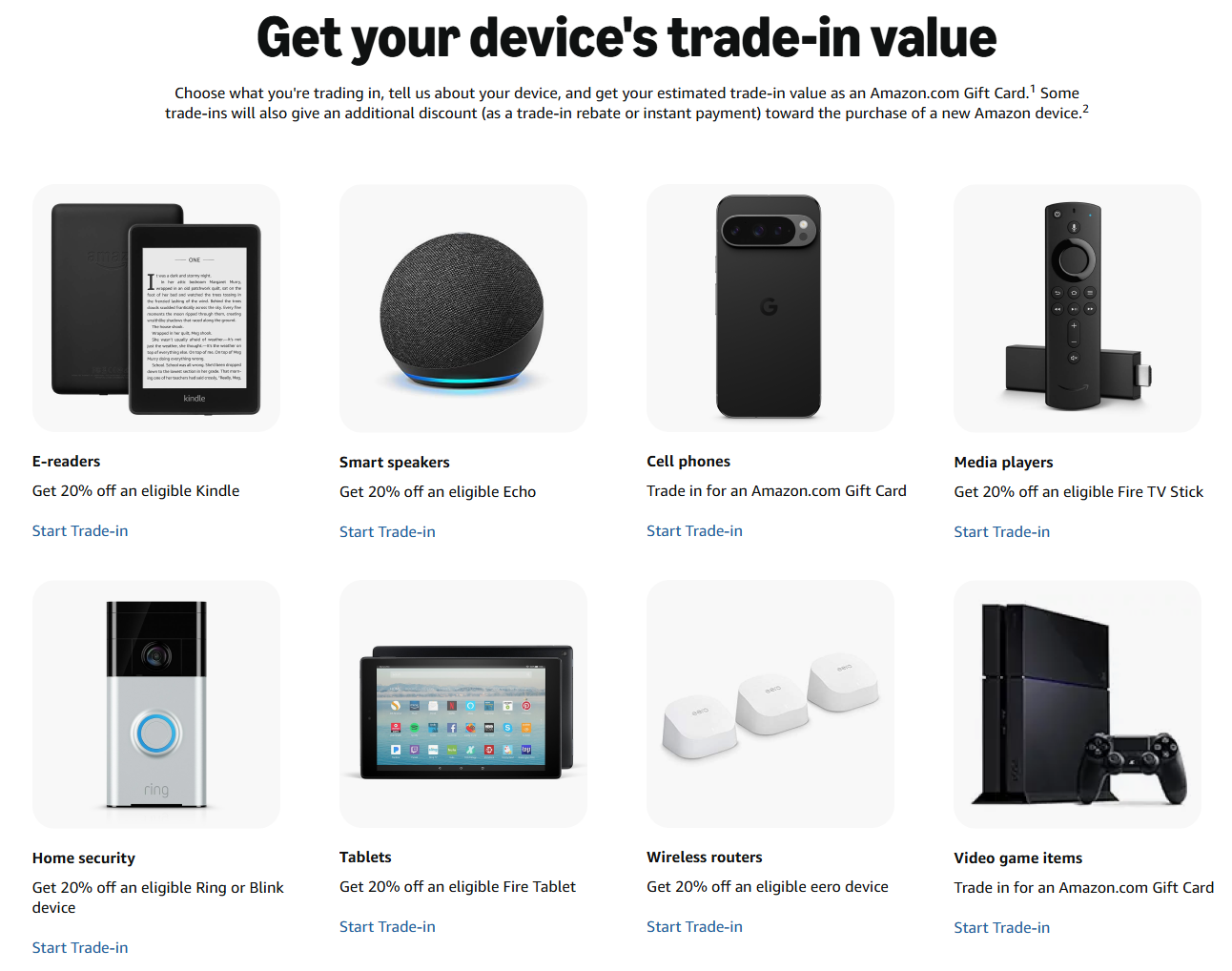
Amazon Trade-In is a program that lets you send in older eligible devices and get value back, usually as a gift card or trade-in credit, plus a separate promotional discount on select new Amazon devices. For shoppers, the real prize isn't the trade-in value alone — it's the upgrade discount that can knock up to 20% off a qualifying replacement.
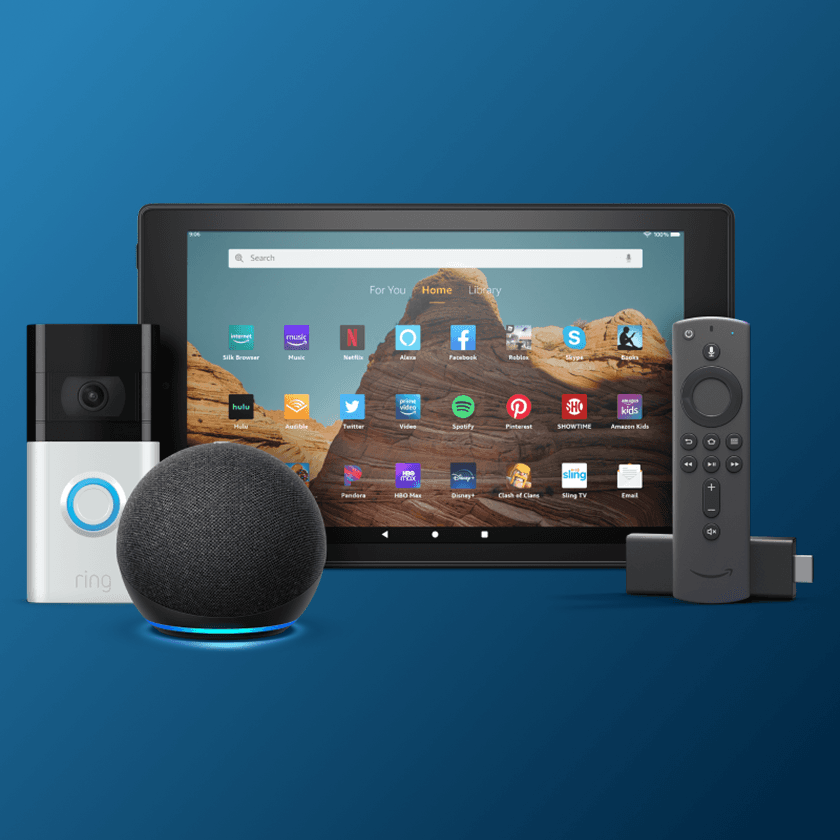
The most important categories are Kindle, Echo, Fire TV, and Ring. Amazon's trade-in program covers devices in those families, which makes it one of the easiest upgrade paths if you're already in the Amazon ecosystem.
Here's the simplest way to think about each category:
| Category | Best reason to trade in | What to watch |
|---|---|---|
| Kindle | Your old e-reader is slow, tired, or missing the features you want | Sale prices can be strong enough that you may not need to spend the promo right away |
| Echo | You want better sound, a newer design, or smarter home features | Echo deals often pop up during big sale events |
| Fire TV | Your stick or streamer feels sluggish or outdated | Check whether the live sale already beats the value of the promo |
| Ring | You want a newer doorbell or security device | Ring discounts can get deep, so compare carefully before using the promo |
If you're upgrading a Kindle, Amazon's Kindle buying guide is a good baseline for model tiers and feature differences. That matters because the trade-in math only makes sense when you know where the new device sits in the lineup.

Amazon Trade-In usually has three moving parts: the appraised value of your old device, the promotional upgrade discount, and the return window for your old hardware.
The most shopper-friendly change is the rebate path. If you don't qualify for instant payment, Amazon can let you buy the new device first and keep using the old one until the replacement arrives. After that, you send the old device in and get the promotional refund tied to the price you paid for the new device, excluding certain fees.
Amazon says some customers can get instant payment, while others will see a trade-in rebate instead. That's why it's worth checking the flow on the actual product page, not assuming every device works the same way.
For the return side, Amazon Trade-In details say you can drop devices off for free at hundreds of participating locations or ship them back for free within 45 days. That's a nice cushion, but it's still a deadline, so don't let the box sit by the door forever.
The safest order of operations is simple: start on the eligible device page, verify the trade-in option, check checkout, then buy. If you skip any of those steps, you can lose the discount or end up buying at the wrong moment.
When an item supports Trade-In, Amazon may surface the offer on the product page or after you start the Trade-In flow. On some pages, the offer appears as a save-with-trade-in option rather than a giant banner, so keep an eye out for wording around trading in or upgrading.
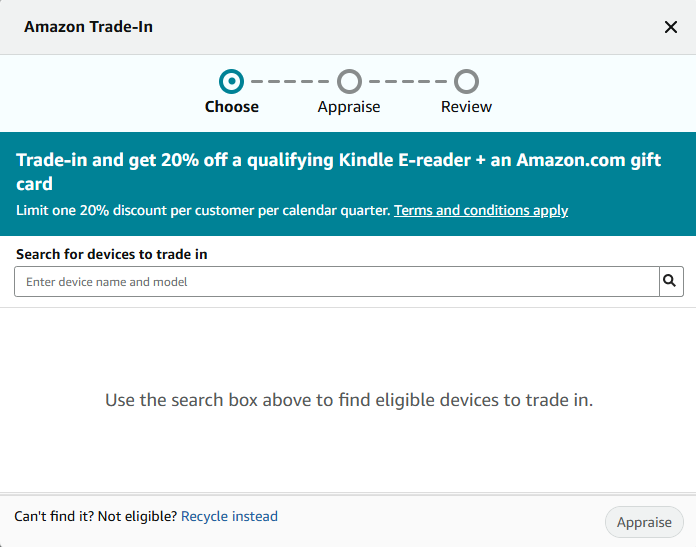
This step matters because the experience changes depending on whether you qualify for instant payment. If it's instant, you'll usually see the value and promotional savings show up right away. If it's rebate-based, you're buying first and sending the old device later.
Don't trust the product page alone. The order summary is where the deal lives or dies, so make sure the trade-in promo line is visible before you hit buy.
This is a boring step that saves headaches. Grab a quick screenshot of the product page, the cart, and the final order summary so you've got proof if anything looks off later.
Amazon says you generally have 45 days to ship the item back, and free shipping or drop-off options can make that easy. Just don't wait until day 44 and then realize you tossed the box.
Amazon's price history tool is the easiest way to tell whether today's deal is actually worth spending your trade-in promo on. On eligible product pages, Amazon says you can see 30-, 90-, and 365-day price history, which gives you a much better read than a random sale badge.
That's especially helpful during Prime Day, when some discounts are excellent and some are just loud. Amazon's new Price History feature explained can help you read the chart fast and avoid burning a one-time promo on a mediocre dip.
You can also use the Alexa for Shopping guide if you want another low-effort way to track Amazon deals before you decide whether the trade-in promo is worth spending.
The most common mistake is using the promo on the wrong category or at the wrong time. Because Amazon limits the offer to one per customer account, per device category, per calendar quarter, you can't treat it like an endless coupon drawer.
Another mistake is assuming the discount is real before you check checkout. If you can't see the trade-in line item in the order summary, the savings aren't locked in yet.
Missing the 45-day send-in window is another easy way to mess this up. The process is forgiving, but it still has a clock, and the clock isn't your friend when the old device is sitting in a junk drawer.
Here's a quick checklist to keep you out of trouble:
The last big mistake is giving up a better resale value without comparing. If your old Kindle or Echo is in good shape, a private sale can sometimes beat Amazon's credit plus promo, especially when the device still has a lot of demand.
Amazon Trade-In is worth it when speed and convenience matter more than squeezing every last dollar out of your old device. If you want a no-hassle path, a clean upgrade, and a decent discount on the replacement, it's hard to beat.
Selling privately can win when your old device still has strong demand and you're comfortable dealing with messages, meetups, shipping, or returns. That route takes more effort, but sometimes the payout is better.
A simple worked example helps here. If a new device is about $160 and your trade-in promo saves 20%, you're looking at roughly $32 off before taxes, plus whatever the old device is worth. That's a solid deal if the alternative is spending an afternoon haggling for a few extra bucks.
Here's the honest rule of thumb:
If you're already a Prime shopper, it's also worth keeping an eye on other money-saving Amazon features. Hidden Amazon Prime benefits you might be missing is a good companion read if you want to stack savings beyond just the device upgrade.
Amazon Trade-In is a great move when you already want a new Kindle, Echo, Fire TV, or Ring device, the trade-in discount shows in checkout, and the current sale is genuinely strong. That's the sweet spot where you get convenience and real savings.
It's not the best move when you're rushing, the discount doesn't appear at checkout, or your old device has stronger resale value elsewhere. In those cases, patience can save you more than the promo.
Use it now if the math is clean, wait if the sale is only okay, and sell privately if your old device is still valuable. That's the whole game.
Some eligible trade-ins can still trigger a promotional discount of up to 20% off a qualifying new Amazon device. Amazon also says the promo is limited to one per account, per device category, per calendar quarter.
You can trade in an eligible Kindle e-reader, get value back for the old device, and use the promotional upgrade discount on a qualifying new Kindle. The smartest move is to verify the discount on the product page and in checkout before you buy.
Yes, and that's often when the math works best. The trick is checking whether the live Prime Day price is strong enough to justify using one of your limited trade-in promos.
Not always. If you don't qualify for instant payment, Amazon's rebate path can let you buy the replacement first and send the old device after the new one arrives.
Amazon says you generally have 45 days to send the trade-in back, and free shipping or select drop-off options may be available. Don't let that deadline sneak up on you.
On eligible devices, Amazon may surface the trade-in offer on the product page or after you start the Trade-In flow. Placement isn't uniform, so the safe move is to confirm the discount in cart or checkout before you place the order.
Amazon Trade-In is worth it when you want speed, convenience, and a solid upgrade discount. Reselling is better if your old device is newer or in great shape and you think you can get more money privately.
Check the order summary before you place the order. If the trade-in promotional discount doesn't appear in checkout, the deal isn't locked in yet.
 CircuVeins Circulation Support Supplement for Legs and Veins with Horse...$52.19$57.9910% off
 6 Pack Classic Baseplates 10" x 10", Building Base Plates for Building Bricks,...$8.39$13.9940% off
 Outdoor Storage Box, Resin Deck Boxes Indoor and outdoor, Waterproof Storage...$55.79$92.9940% off
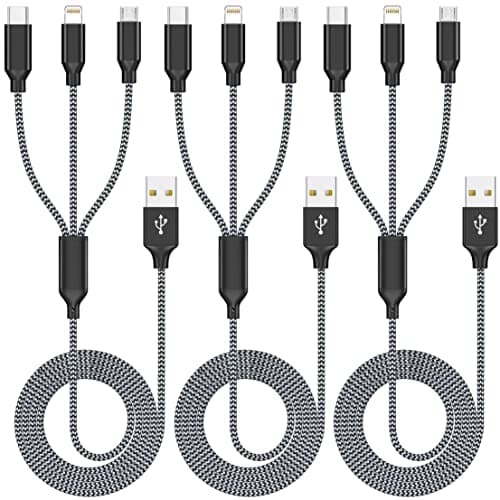 Multi Charging Cable 4ft 3Pack 3 in 1 Charger Cord, Multiple Rapid Cable$5.00$9.9950% offCircuVeins Circulation Support Supplement for Legs and Veins with Horse...$52.19$57.9910% off6 Pack Classic Baseplates 10" x 10", Building Base Plates for Building Bricks,...$8.39$13.9940% offOutdoor Storage Box, Resin Deck Boxes Indoor and outdoor, Waterproof Storage...$55.79$92.9940% offMulti Charging Cable 4ft 3Pack 3 in 1 Charger Cord, Multiple Rapid Cable$5.00$9.9950% off
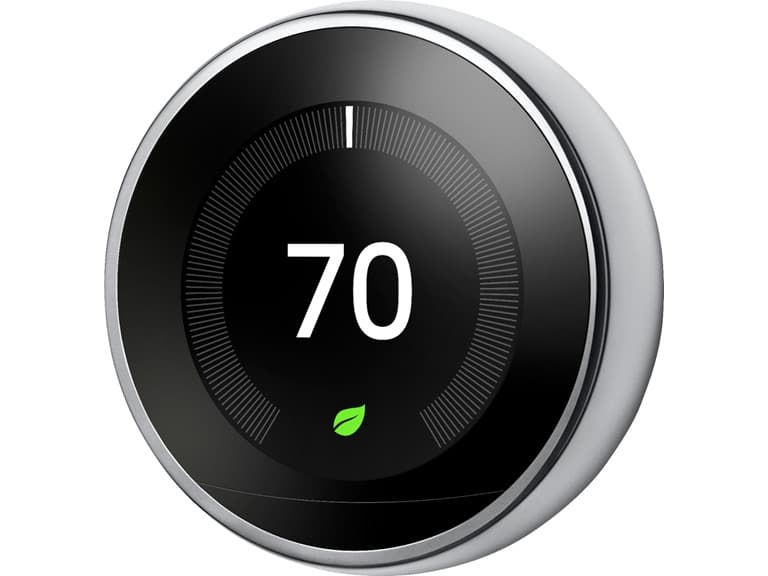 Google Nest Learning Smart Wifi Thermostat (Open Box)$116.39$249.9953% off
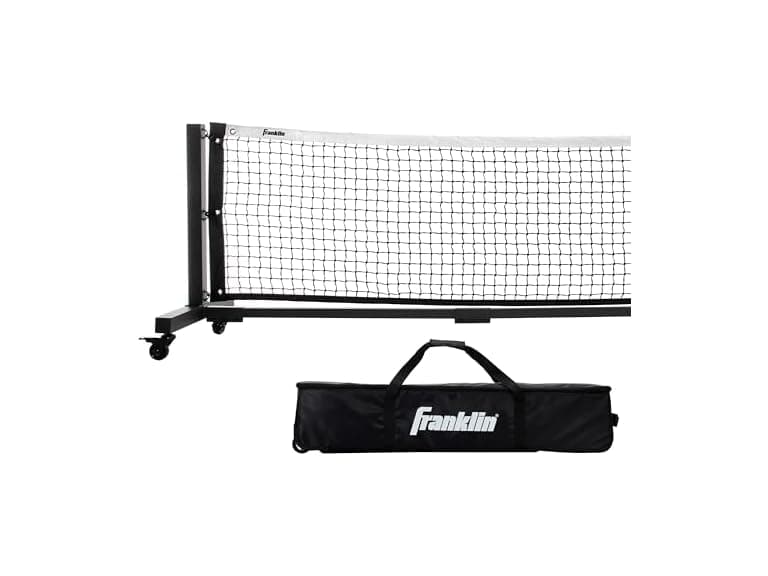 Franklin Sports Skinny Singles 11' Foot Pickleball Net (Open Box)$319.43$1,499.9979% off
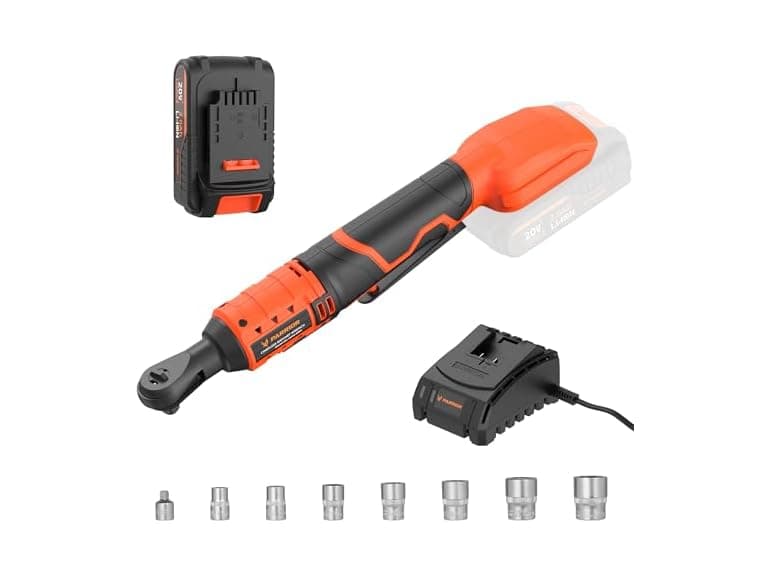 PARRIOR ML-IW44-200K Cordless Ratchet Wrench Orange$48.99$119.9959% off
 MARANI 8x8 Matrix Switch DSP System$299.99$899.9967% offGoogle Nest Learning Smart Wifi Thermostat (Open Box)$116.39$249.9953% offFranklin Sports Skinny Singles 11' Foot Pickleball Net (Open Box)$319.43$1,499.9979% offPARRIOR ML-IW44-200K Cordless Ratchet Wrench Orange$48.99$119.9959% offMARANI 8x8 Matrix Switch DSP System$299.99$899.9967% off
